4.
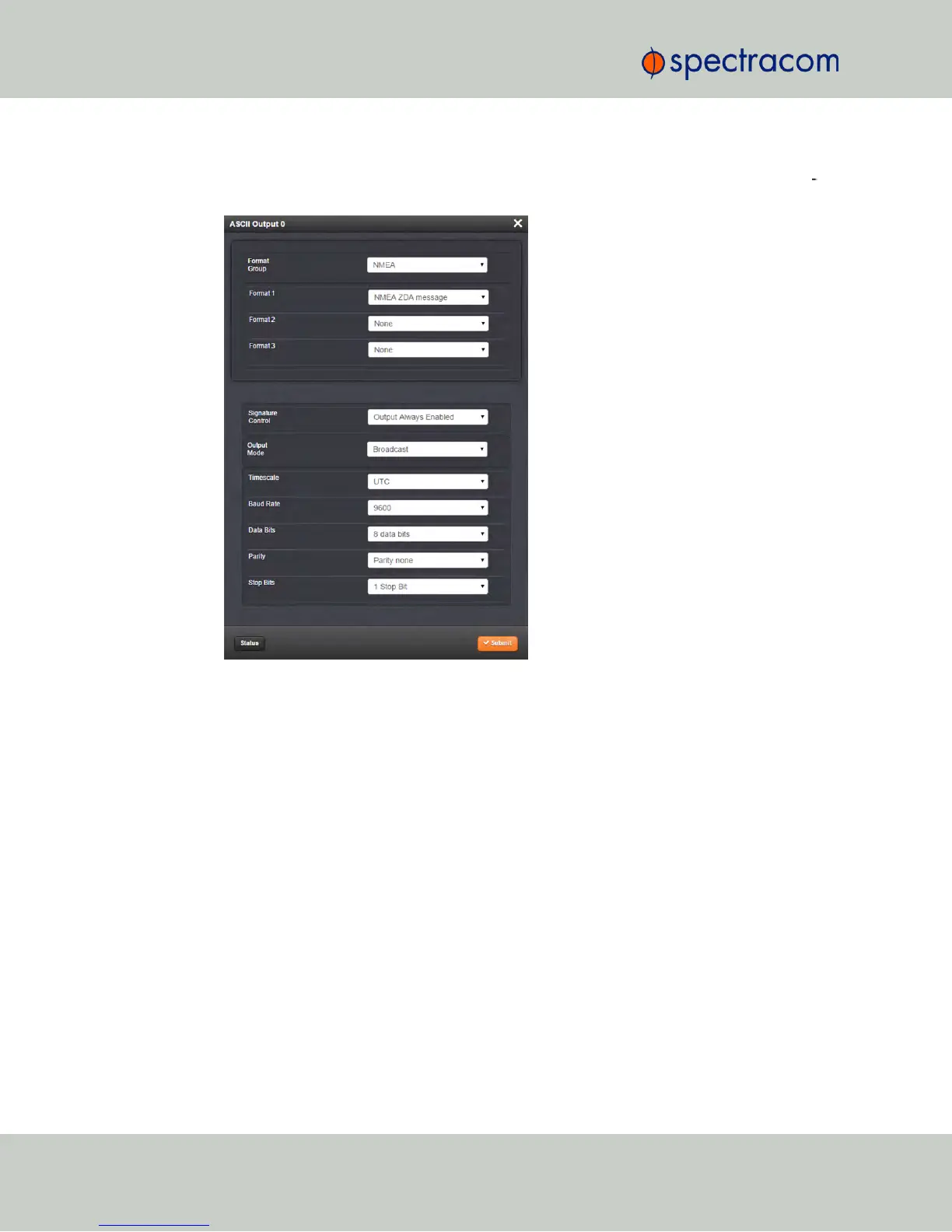
If you want to change any of the settings shown in the Status window, click the Edit but
ton in the bottom-left corner. The Edit window will open:
5.
Information about the configurable settings can be found in the corresponding option
module section, see "NetClock 9483—Available Option Modules" on page13, or
"NetClock 9489 In-/Outputs" on page336.
5.2.3.3 Configuring Option Module Inputs/Outputs
The configurable settings of any NetClock input or output interface are accessible through the
Edit window of the option module to which the input or output belongs. The Edit window can
be accessed in several ways; the procedure below describes the standard way:
1.
Identify the name of the card, (e.g., NENA), and verify the name of the input or output
you want to configure (e.g., ASCII Output 0).
344 NetClock User Reference Guide
APPENDIX



 To Next Page