Should, however, the above-mentioned higher threshold value no longer be exceeded, the unit
will remain in the 1200-second flywheel mode until either (a) the lower threshold value is no
longer exceeded, or (b) the 1200-second flywheel period expires. In both cases the PPS status
light will turn green again.
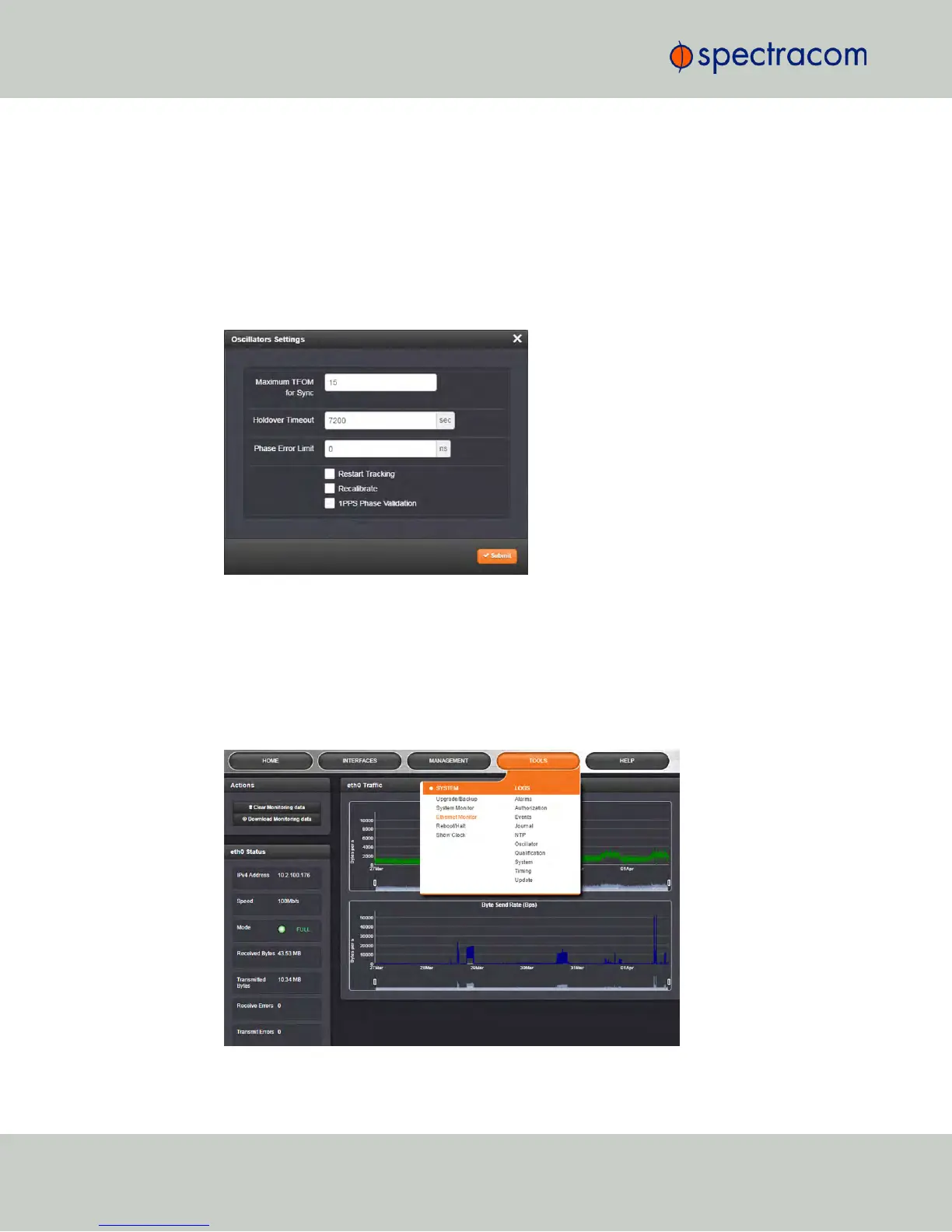
Smart reference monitoring is OFF by default. To turn it ON:
1.
Navigate to MANAGEMENT > OTHER: Disciplining.
2.
In the Status panel on the left, click the GEARicon. The Oscillator Settings window will
open.
3.
Check the box next to 1PPS Phase Validation and click Submit.
4.5.1.6 Ethernet Monitoring
To monitor Ethernet status and traffic:
1.
Navigate to TOOLS > SYSTEM: Ethernet Monitor. The Ethernet monitoring screen opens:
274
CHAPTER 4 • NetClock User Reference Guide Rev. 16
4.5 Quality Management



 To Next Page