2.
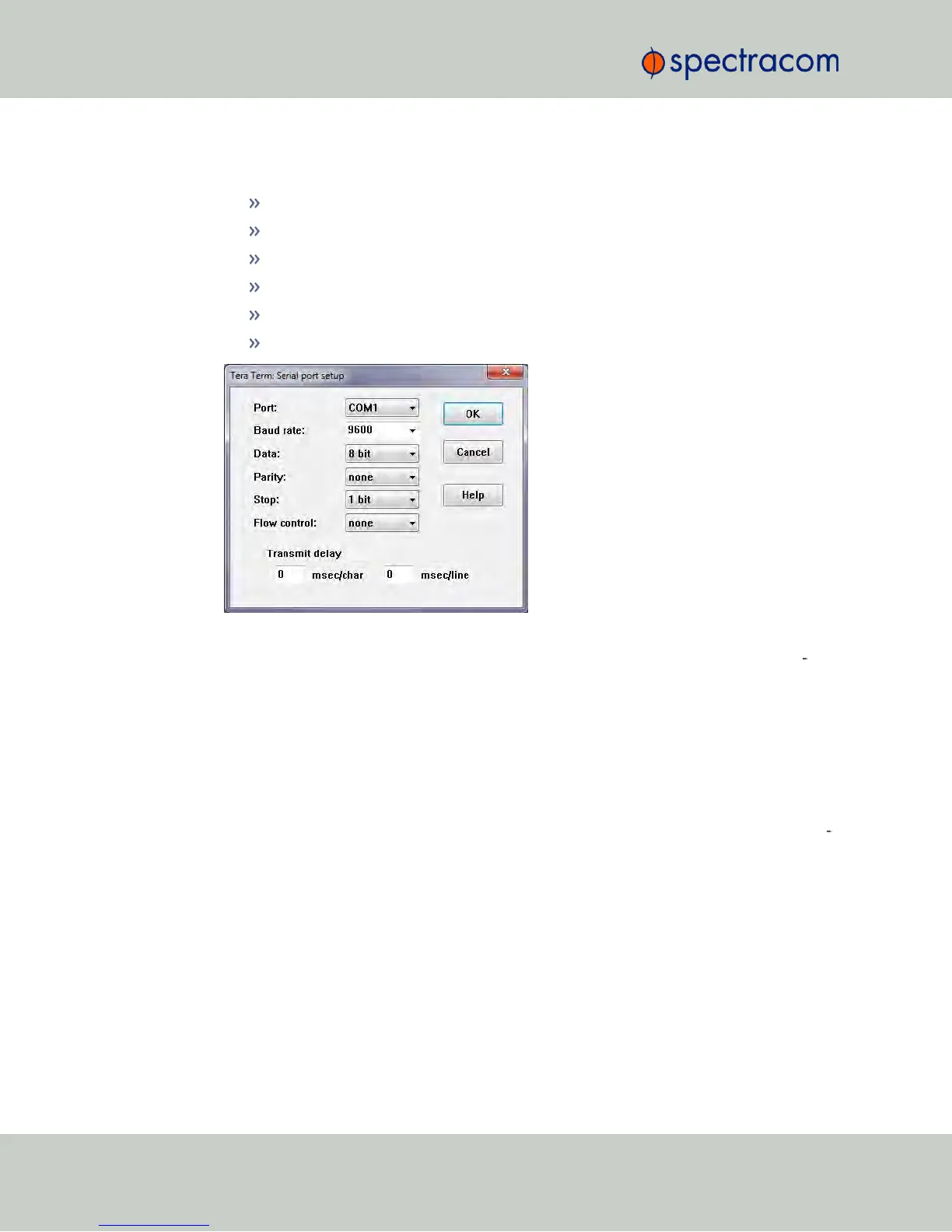
Configure your terminal emulation program, using the following settings:
Port: COM1
Bits per second: 9600
Data bits: 8
Parity: None
Stop bits: 1
Flow control: None
3.
Depending on which network protocol you are using (SSH, Telnet), you will need to
enter authentication upon establishment of the connection either in a separate authen
tication window, or the Terminal window: The default user name is spadmin, and the
password admin123.
4.
Using the Terminal window, you can now submit commands; see "CLICommands"
below for a list of commands.
5.3.2 CLICommands
NetClock features a suite of command-line interface (CLI) commands that can be used to con
figure parameters and retrieve status information or log files via a remote connection, using the
telnet or ssh (if enabled) protocol.
This section includes a list of some of the supported commands.
382 NetClock User Reference Guide
APPENDIX



 To Next Page