2.15.12.6 Testing NTP over Anycast
Note: A detailed Anycast test procedure is available from Spectracom upon
request. Please contact techpubs@spectracom.com.
2.15.13 NTP Orphan Mode
The NTP Orphan Mode allows NetClock to remain a valid time server to its NTP clients even if
all its input references have become invalid and the Holdover period has expired.
Per default, NetClock will automatically downgrade itself to NTP Stratum15, should its input
references become invalid and after expiration of the Holdover period. By setting the NTP
Orphan Mode to an NTP Stratum level other than 15, NetClock will continue to be considered
a valid time server by its NTP clients.
Note, however, that the time served by NetClock after expiration of the Holdover period can
be of a low quality and therefore normally ought to be considered invalid. NTP Orphan Mode
exists as an option for timing networks that must stay intact even if the time distributed is invalid.
The other use case for Orphan Mode is to allow for NTP to be utilized in an isolated timing net
work that is designed to normally operate without any external references.
To configure NTP Orphan Mode:
1.
Navigate to MANAGEMENT > NTP Setup.
2.
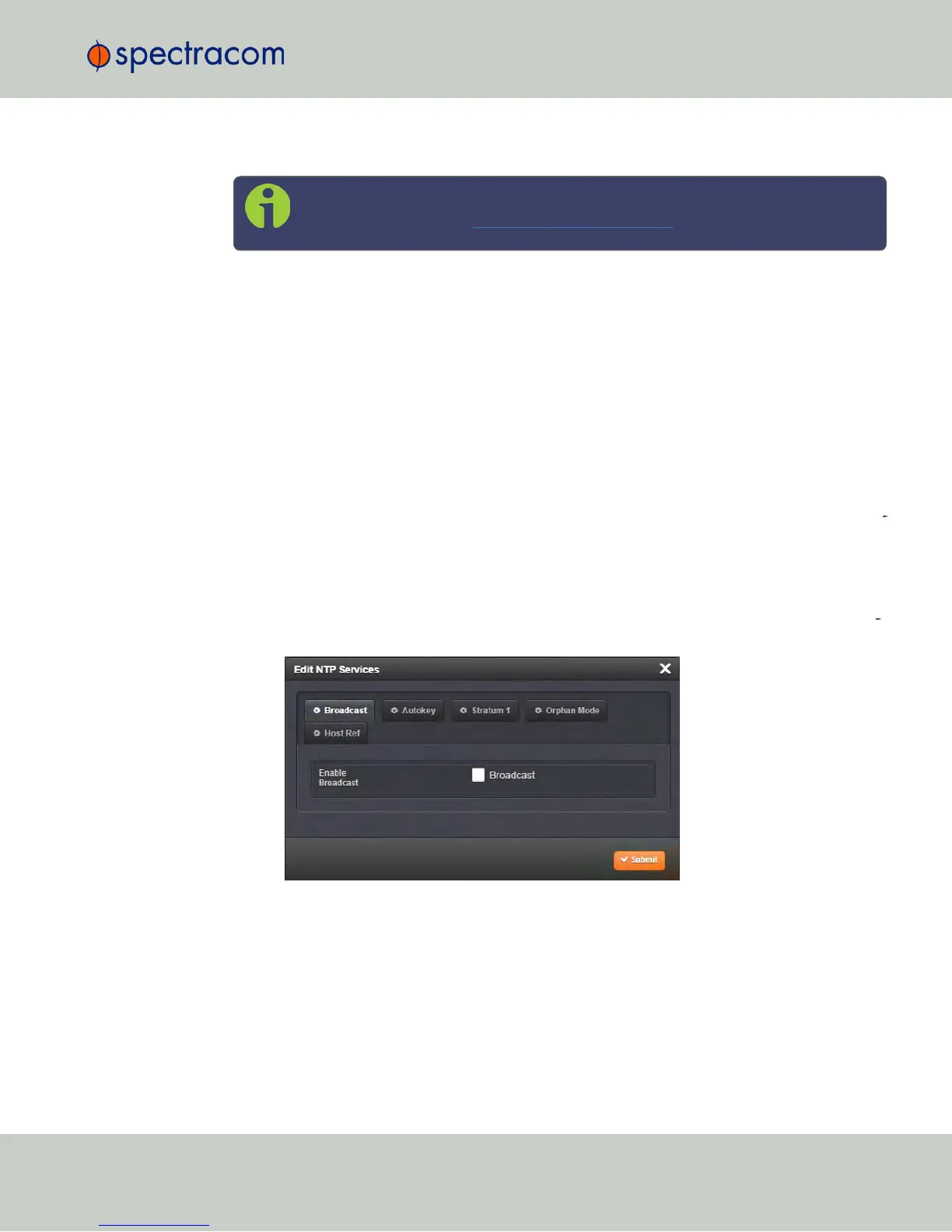
In the NTP Services panel, click the GEAR icon in the top right corner. The Edit NTP Ser
vices window will open:
3.
Click the Orphan Mode tab, and select an NTP Stratum other than 15. This will be the
Stratum level NetClock will transition to in the event its input references become invalid.
4.
Click Submit. NetClock will automatically stop and re-start the NTP Service.
2.15 Configuring NTP
CHAPTER 2 • NetClock User Reference Guide Rev. 16
131



 To Next Page