4.3.2.1 Configuring Password Policies
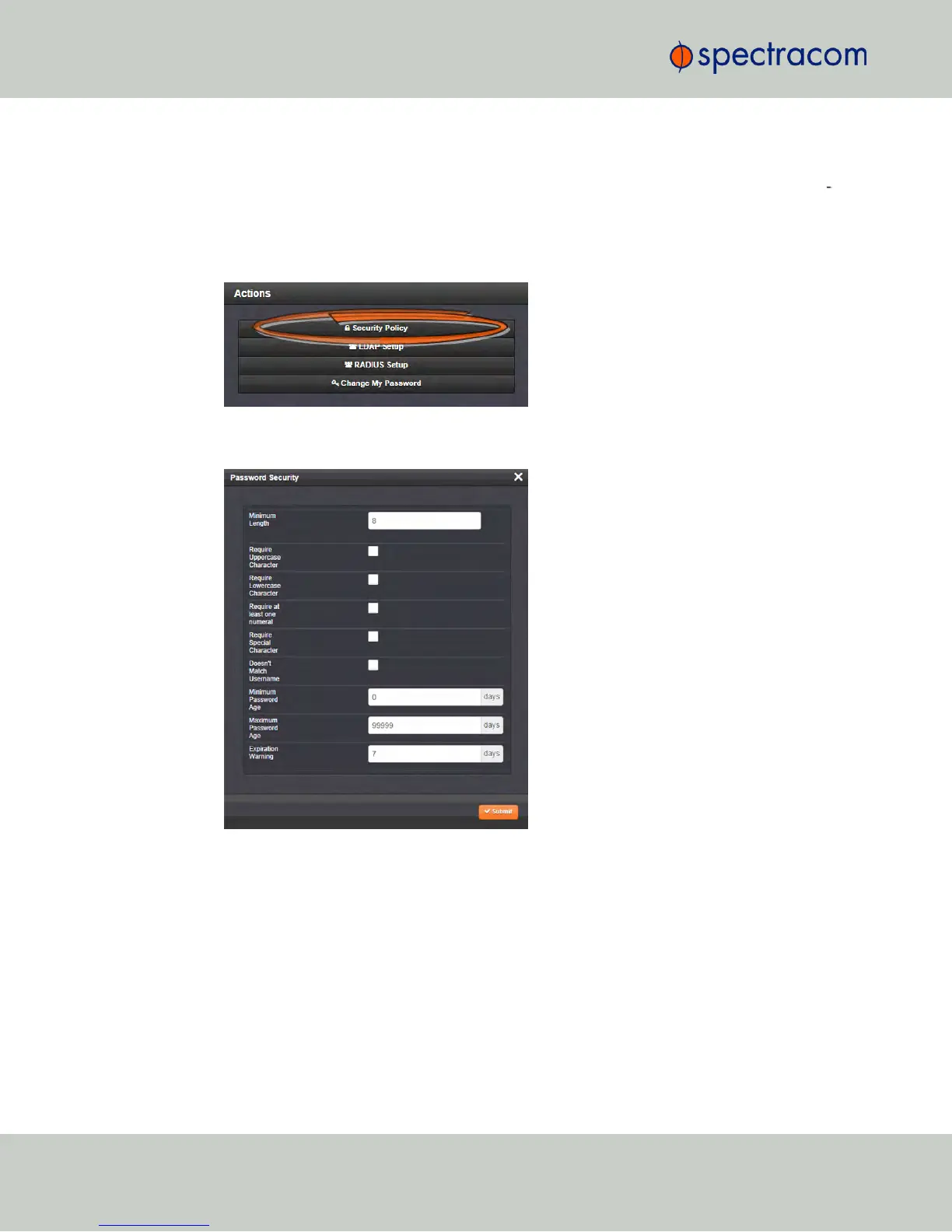
To configure password requirements e.g., rules for minimum password length and special char
acters:
1.
Navigate to MANAGEMENT > OTHER: Authentication.
2.
In the Actions panel, click Security Policy.
3.
The Password Security window will display. Fill in the self-explanatory fields and click
Submit.
4.3.2.2 The Administrator Password
The factory default administrator login password value of
admin123
can be changed from the
default value to any desired value. If the current password is known, it can be changed using
the NetClock WebUI.
240
CHAPTER 4 • NetClock User Reference Guide Rev. 16
4.3 Managing Users and Security



 To Next Page