Once you created a certificate request, submit the request to an external Certificate Authority
(CA) for the creation of a third party verifiable certificate. (It is also possible to use an internal
corporate Certificate Authority.)
If a Certificate Authority is not available, or while you are waiting for the certificate to be
issued, you can use the default Spectracom self-signed SSL certificate that comes with the unit
until it expires, or use your own self-signed certificate. The typical life span of a certificate (i.e.,
during which HTTPS is available for use) is about 10years.
Note: If deleted, the HTTPS certificate cannot be restored. A new certificate will
need to be generated.
Note: If the IP Address or Common Name (Host Name) is changed, you may wish
to regenerate the certificate. Otherwise you may receive security warnings from
your web browser each time you login.
2.14.6.3 Supported Certificate Formats
NetClock supports X.509 PEM and DER Certificates, as well as PKCS#7 PEM and DER format
ted Certificates.
You can create a unique X.509 self-signed Certificate, an RSA private key and X.509 cer
tificate request using the WebUI. RSA private keys are supported because they are the most
widely accepted. At this time, DSA keys are not supported.
NetClock supports two different modes of HTTPS operation: The Standard HTTPS Level
(default), and a High-Security Level. For more information, see "HTTPS Security Levels" on
page254.
2.14.6.4 Creating an HTTPS Certificate Request
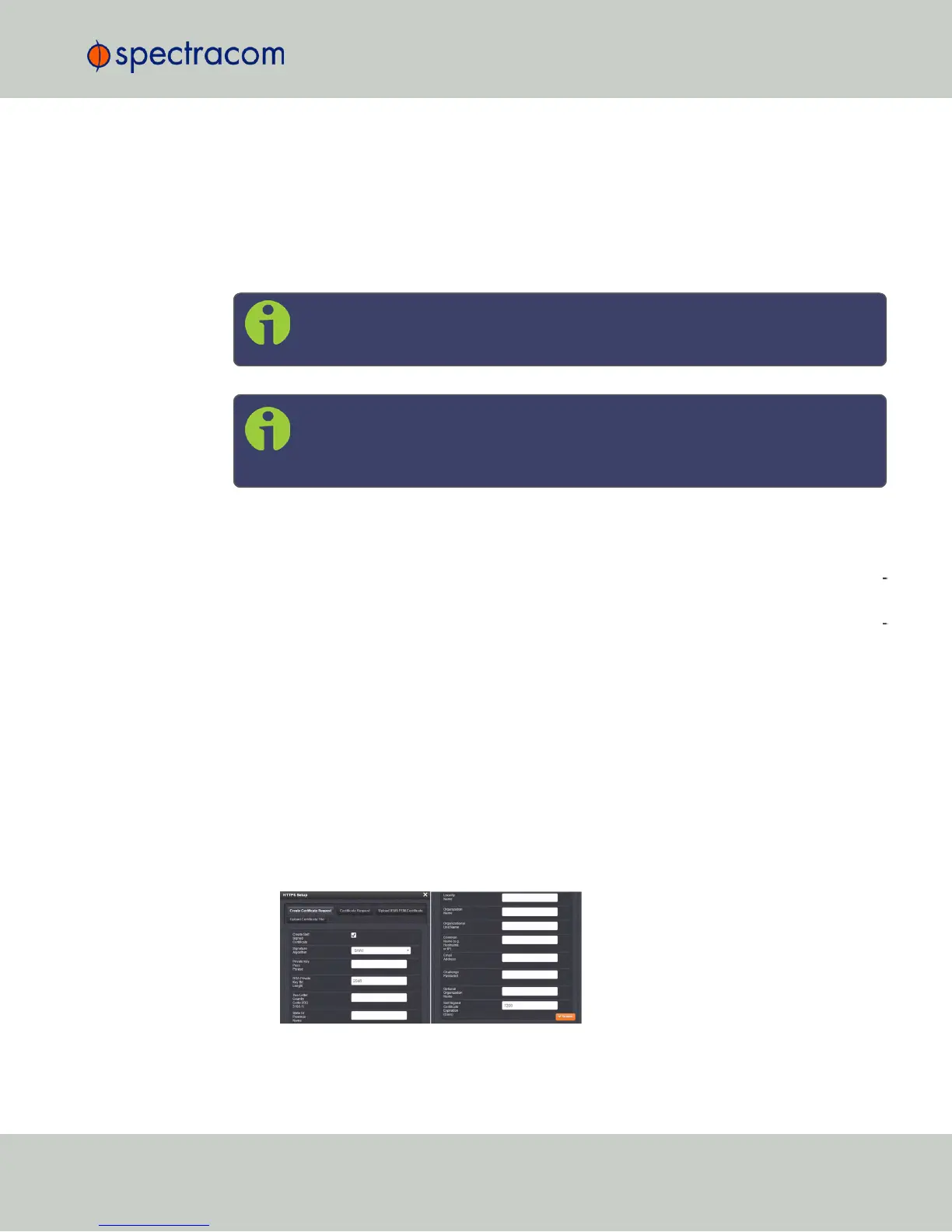
To create an HTTPS Certificate Request:
1.
Navigate to MANAGEMENT > NETWORK:HTTPS Setup, or in the MANAGEMENT >
NETWORK Setup, Actions panel, select HTTPS:
2.
Click the Create Certificate Request tab (this is the default tab).
2.14 Configuring Network Settings
CHAPTER 2 • NetClock User Reference Guide Rev. 16
69



 To Next Page