When switching between tabs within the HTTPS Setup window, the information you
have entered will be retained. If you exit the HTTPS Setup window before clicking Sub
mit, the information will be lost.
2.14.6.5 Requesting an HTTPS Certificate
Before requesting an HTTPS Certificate from a third-party Certificate Authority, you need to cre
ate a Certificate Request:
1.
Navigate to MANAGEMENT > HTTPS Setup, or to MANAGEMENT > Network Setup >
Actions panel: HTTPS.
2.
In the HTTPS Setup window, under the Certificate Request Parameters tab, complete the
form as described under "Creating an HTTPS Certificate Request" on page69.
3.
Click Submit to generate your Certificate Request.
4.
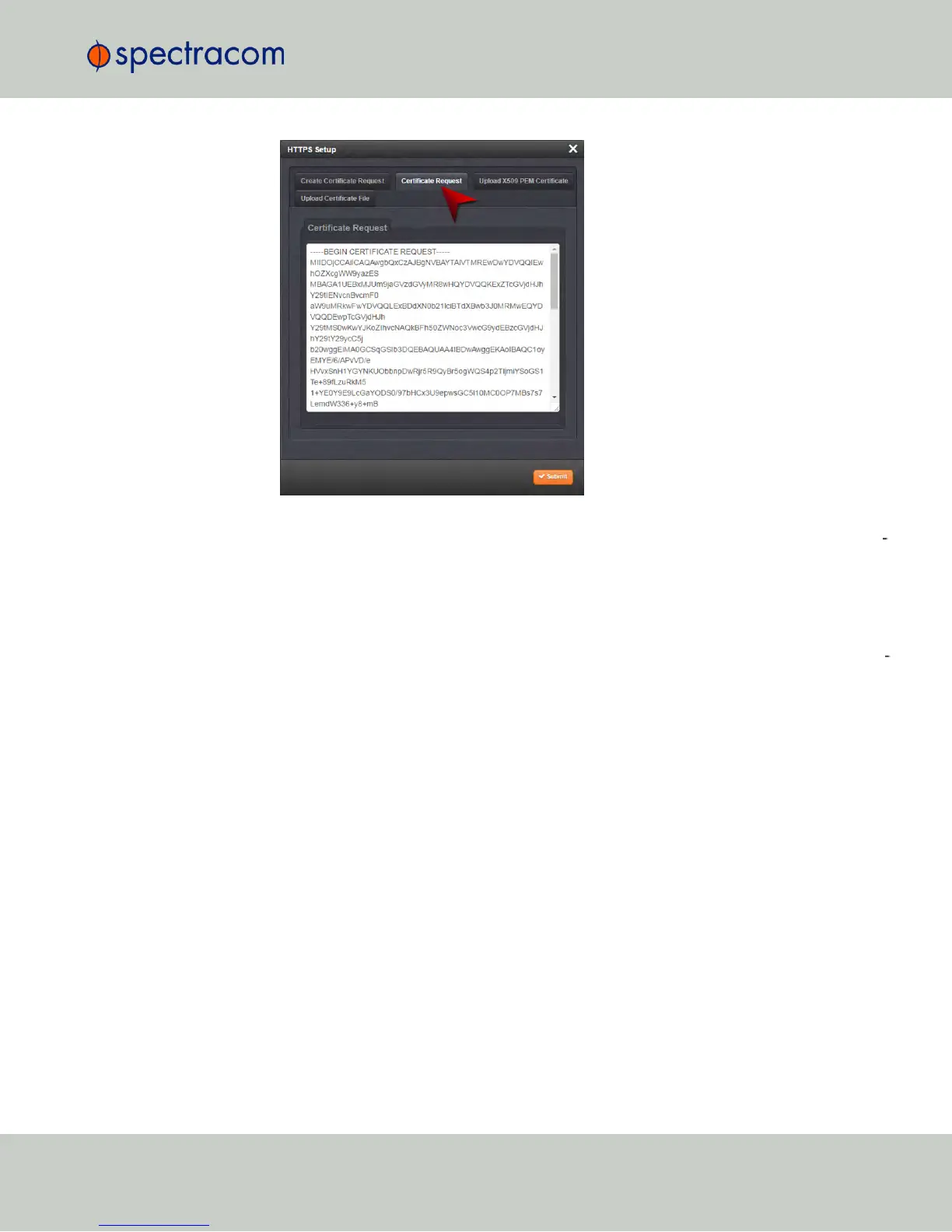
You have now created a Certificate Request. Navigate to the Certificate Request tab to
view it:
2.14 Configuring Network Settings
CHAPTER 2 • NetClock User Reference Guide Rev. 16
73



 To Next Page