2.
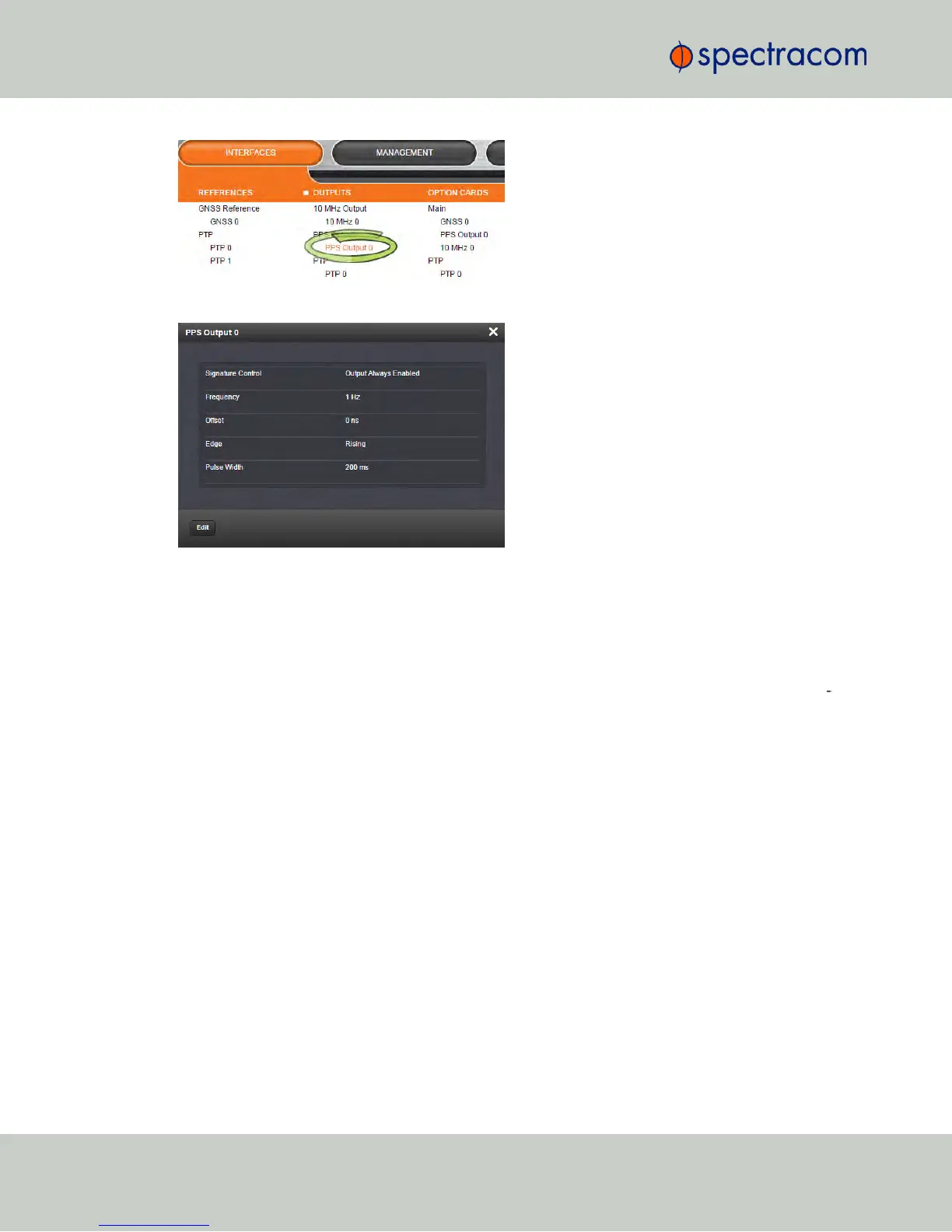
The corresponding Status window will display:
Click the Edit button in the bottom-left corner to configure settings that are user-editable. See
also "Configuring Outputs" on page137.
4.5.1.8 Monitoring the Oscillator
The Oscillator Management screen provides current and history status information on dis
ciplining state and accuracy.
To access the Oscillator Management screen:
278
CHAPTER 4 • NetClock User Reference Guide Rev. 16
4.5 Quality Management



 To Next Page