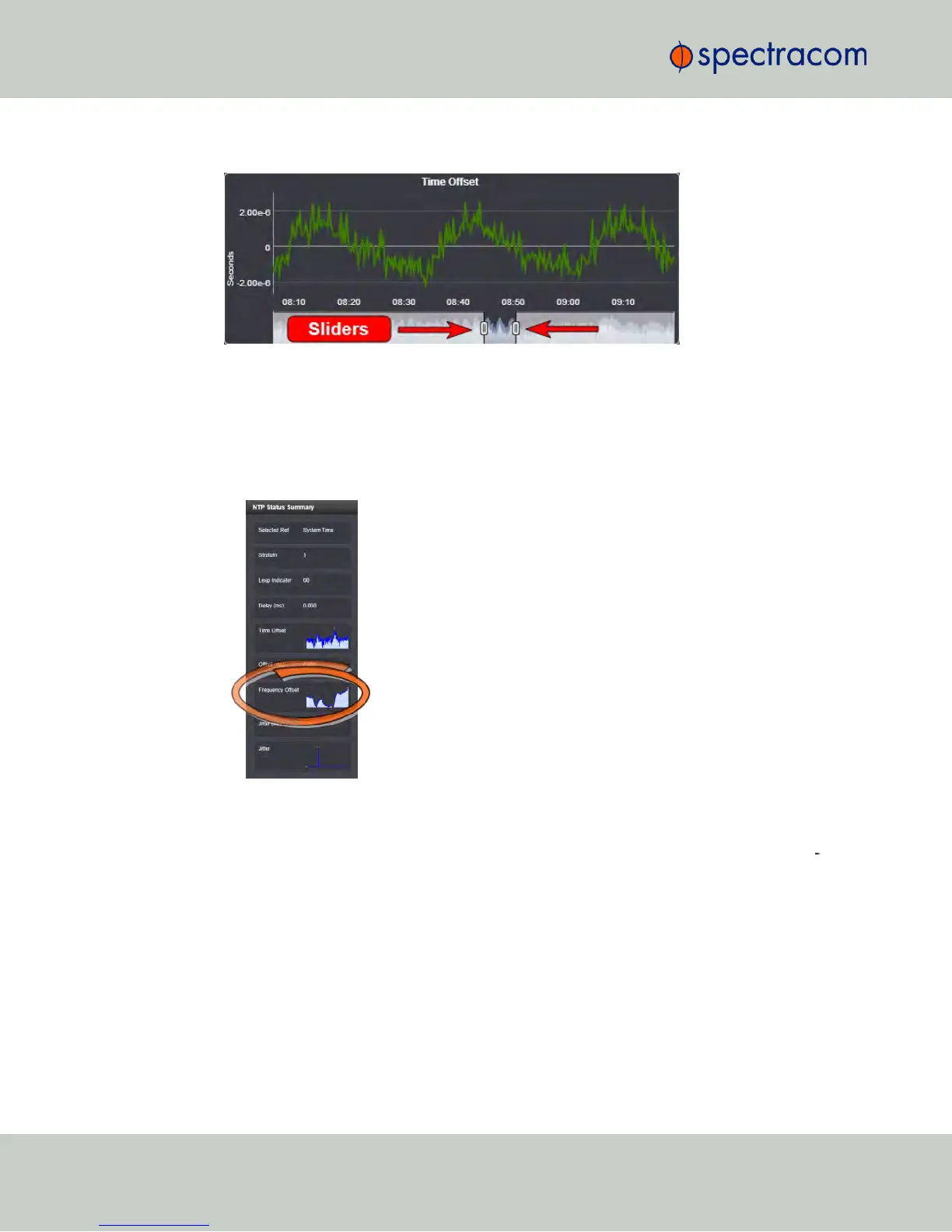
sliders at the bottom of the graph inwards.
The NTP Frequency Offset Performance Graph
To view the NTP Frequency Offset performance graph:
1.
Navigate to MANAGEMENT > NETWORK: NTP Setup.
2.
In the NTP Status Summary panel locate the Frequency Offset graph.
3.
Click the graph in the NTP Status Summary panel.
4.
The NTP Performance Graph panel will appear (the data may be displayed with a
delay). The X-axis represents time, the Y-axis shows the frequency offset in parts-per-mil
lion (PPM); e.g. 290PPM is equivalent to .0290percent.
286
CHAPTER 4 • NetClock User Reference Guide Rev. 16
4.5 Quality Management



 To Next Page