4.5.2.9 Clearing All Logs
Note: Authentication logs and NTP logs cannot be cleared.
All local logs in the home/spectracom directory will be logged. Other logs e.g., located
on Syslog Servers, must be maintained by the user.
To clear all locally stored log files:
1.
Navigate to MANAGEMENT > OTHER: Log Configuration.
2.
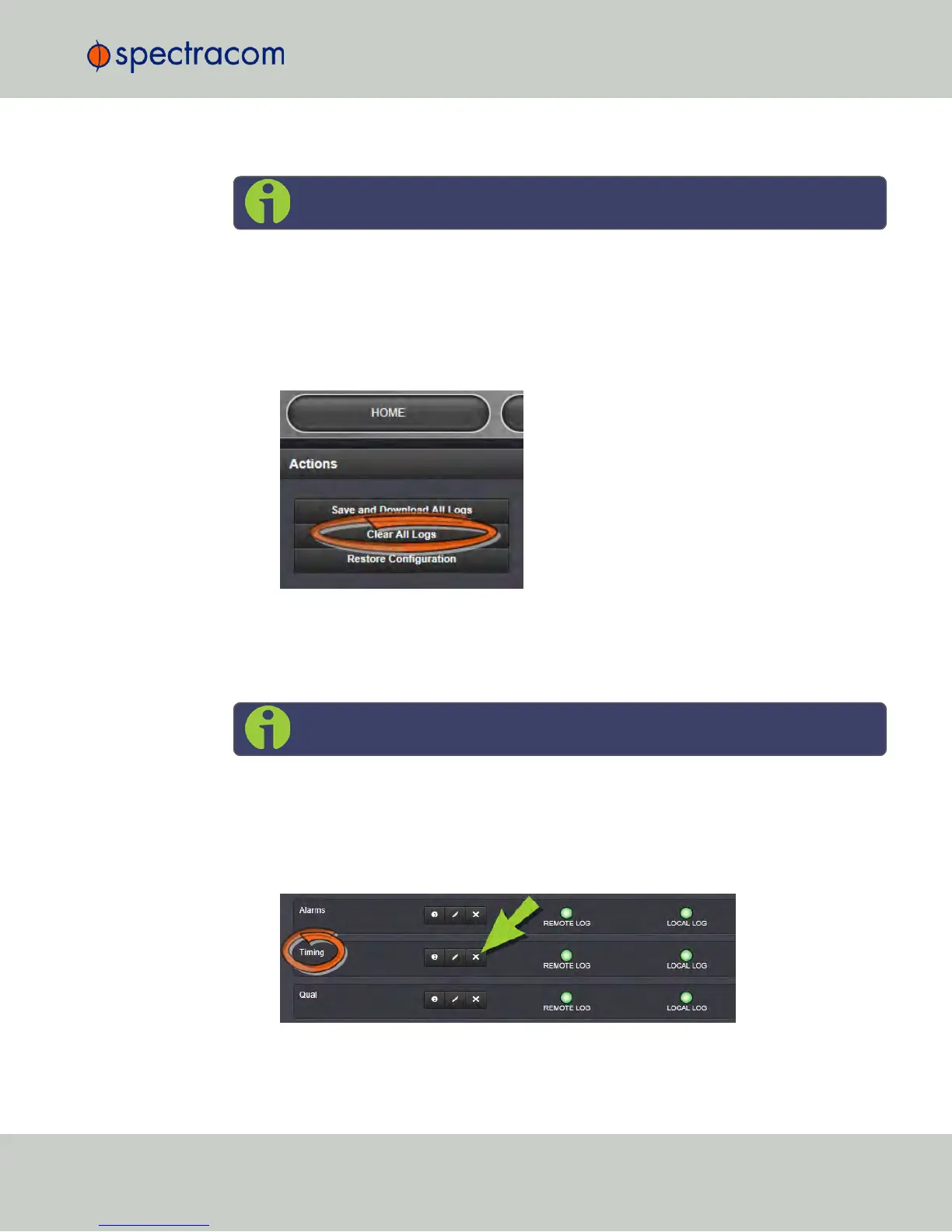
In the Actions panel, click Clear All Logs:
3.
In the grey confirmation window, click OK.
4.5.2.10 Clearing Selected Logs
Note: NTP logs cannot be cleared.
To clear selected locally stored log files:
1.
Navigate to MANAGEMENT > OTHER: Log Configuration.
2.
In the Logs panel, click the X-icon next to the log category you wish to clear (e.g.,
Alarms log).
3.
In the grey confirmation box, click OK.
4.5 Quality Management
CHAPTER 4 • NetClock User Reference Guide Rev. 16
309



 To Next Page