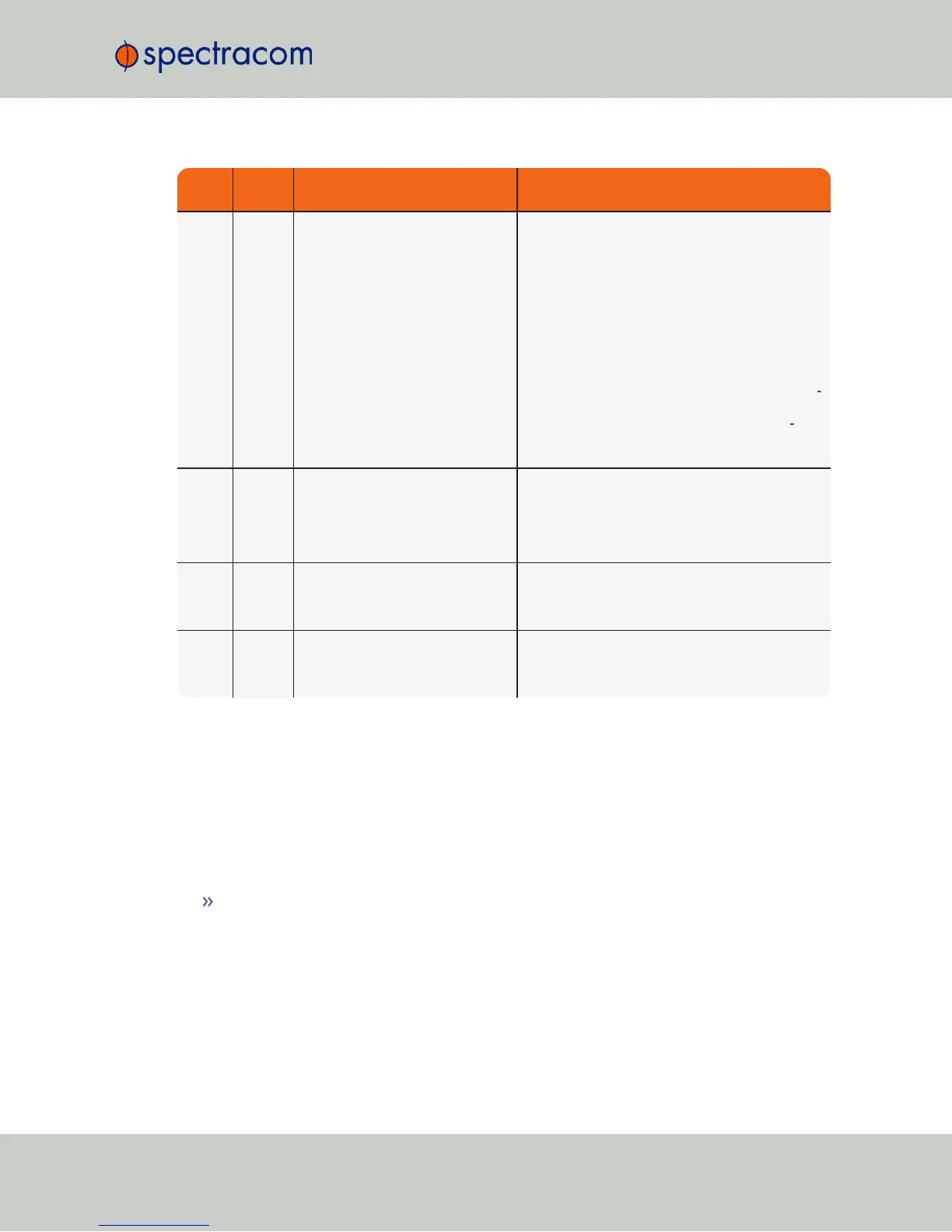
LED
Current
Status
Indication Troubleshooting
Sync
LED is
red
Time Sync alarm: NetClock was
just powered-up and has not yet
synced to its references. Or, all
available reference inputs have
been lost and the Holdover mode
has since expired.
Note: If NetClock was just recently powered-up or
rebooted and input references are applied, no
troubleshooting may be necessary. Allow a few
minutes for the input reference to be declared valid
(allow 35 – 40 minutes for a new install with
GNSS input).
1) Make sure the Input Reference Priority table still
has the desired inputs enabled, based on desired
priority. Refer to
"Configuring Input Reference
Priorities" on page163
.
2) Make sure desired input references are still con
nected to the correct port of NetClock.
3) Verify GNSS antenna installation (if applic
able). Make sure the antenna has a clear view of
the sky.
Fault
LED is
blinking
orange
GNSS Antenna problem alarm is
asserted
1) Verify GNSS antenna is connected to NetClock
GNSS input connector
2) Check antenna cable for presence of an open
or a short. Refer to XXX for additional information.
Fault
LED is
solid
red
Major alarm is asserted Refer to XXX
Fault
LED is
solid
orange
Minor alarm is asserted Refer to XXX



 To Next Page