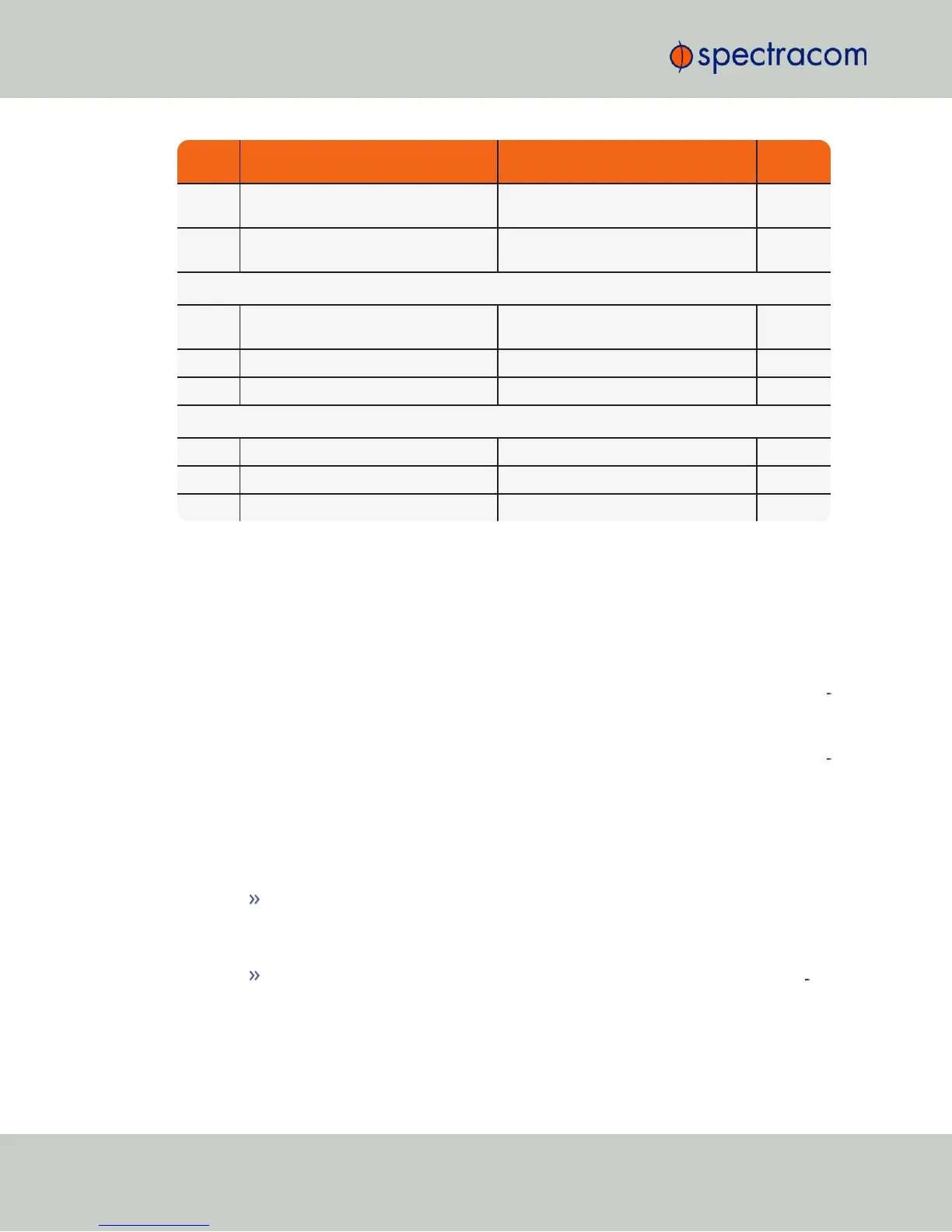
Feature Default Setting Recommended Setting
Where to
Configure
Daytime
Protocol
Disabled Disabled WebUI
Time
Protocol
Disabled Disabled WebUI
Command Line Interface
Serial
Port
Available Available n/a
Telnet Enabled Disabled (use SSH instead) Web UI
SSH Enabled (default private keys provided) Enabled Web UI
File Transfer
FTP Enabled Disabled (use SFTP or SCP) Web UI
SCP Available Disabled (use SFTP or SCP) Web UI
SFTP Available Disabled (use SFTP or SCP) Web UI
*Spectracom recommends that secure clients use only SNMPv3 with authentication for secure
installations.
4.7.5 Sanitizing the Unit
The concept of sanitizing a NetClock unit refers to erasing usage data that may be stored in
volatile and/or non-volatile memory, i.e. permanently eliminating any data that could be used
to trace the unit's former usage. This data may include – but is not limited to – logs, con
figuration settings, IPaddresses, passwords, GNSS geographic positioning data, and network-
specific usage data.
From a top level, cleaning a NetClock involves restoring the following to factory default con
figurations:
1.
The file system on the Compact Flash (CF) card is restored to factory state by removing
the logs and restoring all configuration files to the default factory state.
2.
Commercial GPS/GNSS receivers have stored position data deleted, and are setup to
resurvey on reboot.
The command line gpsreset clean option erases the GPS/GNSS receiver flash
memory, returning it to factory state and setting up to resurvey.
3.
SAASM GPS receivers are zeroized which deletes position, GPS data and keys.
Without valid keys the SAASM GPS only operates in L1 C/A mode like a com
mercial GPS receiver.
320
CHAPTER 4 • NetClock User Reference Guide Rev. 16
4.7 Resetting the Unit to Factory Configuration



 To Next Page