Note: If the keypad be locked, see "Troubleshooting – Keypad Is Locked" on
page331.
1.6.3.1 Using the Keypad
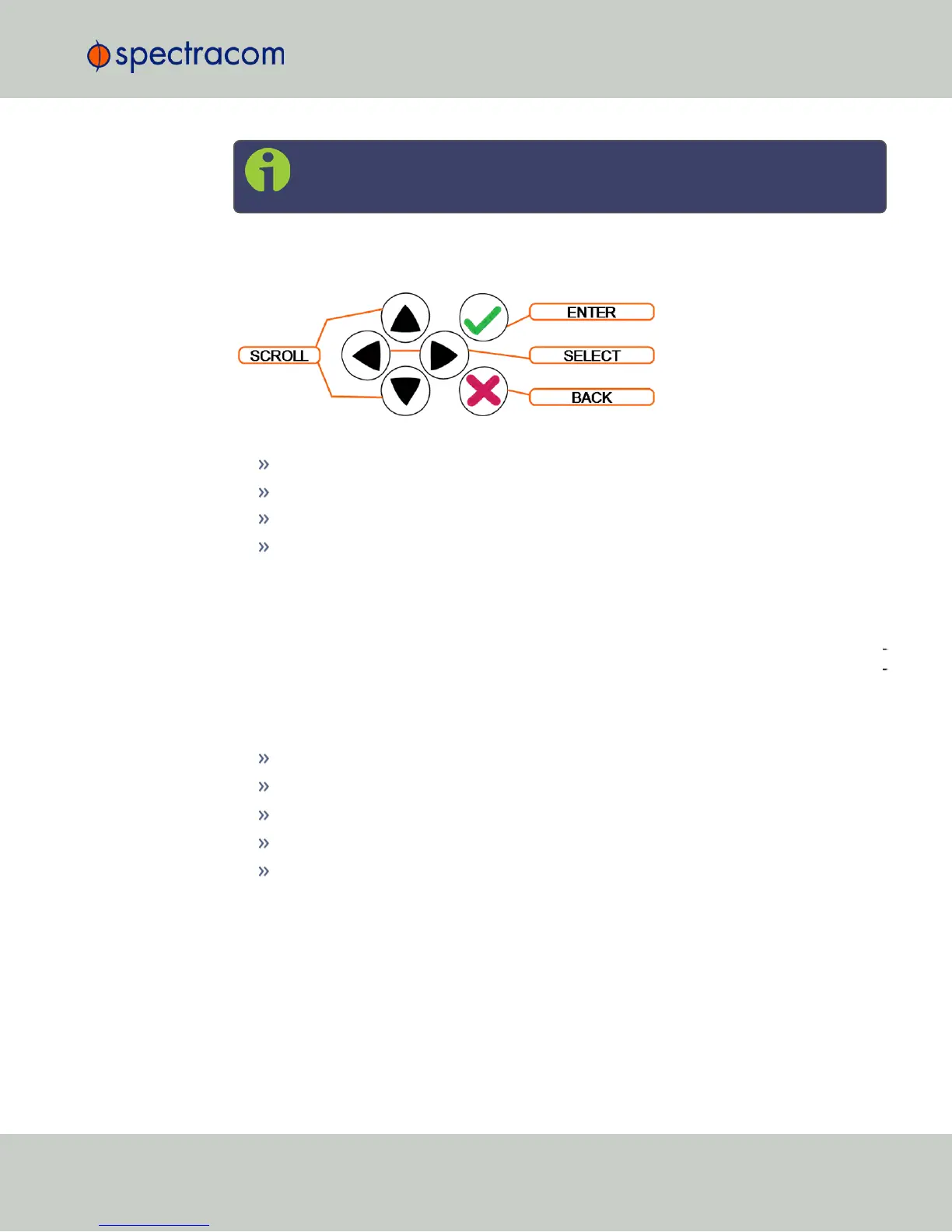
The functions of the six keys are:
tu arrow keys: Navigate to a menu option (will be highlighted)
pq arrow keys: Scroll through parameter values in edit displays
ü ENTER key: Select a menu option, or load a parameter when editing
Ò BACK key: Return to previous display or abort an edit process
1.6.3.2 Navigating the Front Panel Display
After power initialization, press any key to go to the “Home” display. As shown in the illus
tration "Front panel menu tree" on the next page, several status and setup displays are access
ible from the main “Home” menu. To navigate through the menus, use the arrow keys to
highlight a selection and then press the ENTER button.
The main menu options and their primary functions are as follows:
Display: Used to configure the information display
Clock:Displaying and setting of the current date and time
System:Displaying version info, system halt and reboot, reset spadmin password
Netv4:Network interface configuration
Lock: Locks the front panel keypad to prevent inadvertent operation.
Front Panel Display: Menu Tree
The illustration below shows how the menu is organized, and which functions can be accessed
via the front panel (i.e. without using the Web UI):
1.6 NetClock 9400 Series Front Panels
CHAPTER 1 • NetClock User Reference Guide Rev. 16
7



 To Next Page