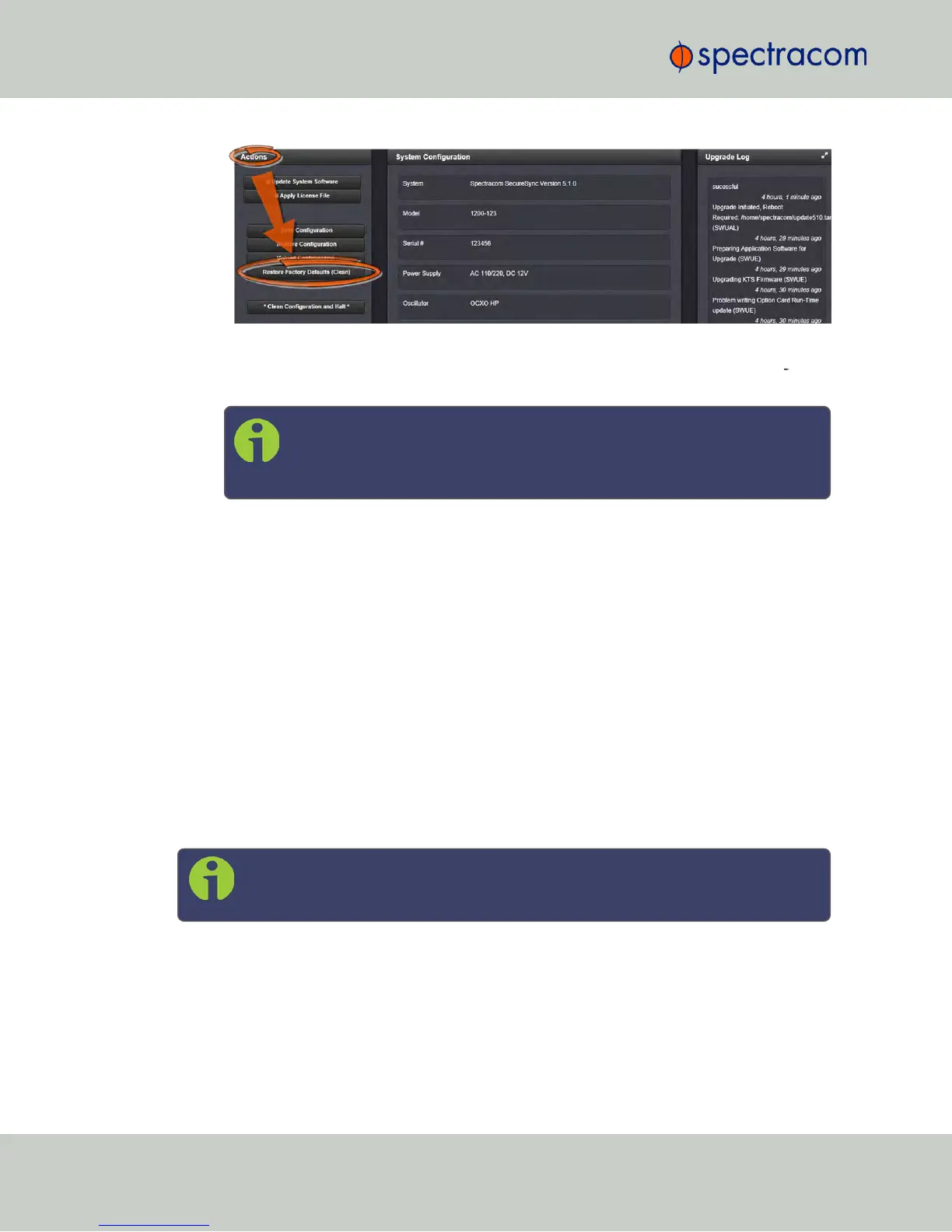
3.
NetClock restores the configuration files to the factory settings, and then reboots in order
to read the new configuration files. Once powered back up, NetClock will be con
figured with the previously stored files.
Note: While the geographic GNSS position is stored and retained
through power cycles, choosing Clean (Restore Factory Configuration) will
erase the stored GNSS position.
Erasing the position stored in your GNSS receiver means that the next time the GNSS
antenna is connected and the GNSS receiver is able to continuously track at least four
satellites, a new GNSS survey will be initiated, so the position can be recalculated and
locked-in. A GNSS survey typically takes up to 33 minutes.
4.7.2 Backing-up and Restoring Configuration Files
Once NetClock has been configured, it may be desired to back up the configuration files to a
PC for off-unit storage. If necessary in the future, the original configuration of the NetClock can
then be restored into the same unit.
The capability to backup and restore configurations also adds the ability to “clone” multiple
NetClock units with similar settings. Once one NetClock unit has been configured as desired,
configurations that are not specific to each unit (such as NTP settings, log configs, etc.) can be
backed up and loaded onto another NetClock unit for duplicate configurations.
There are several configuration files that are bundled in one file for ease of handling.
Note: For security reasons, configurations relating to security of the product, such
as SSH/SSL certificates, cannot be backed up to a PC.
4.7.2.1 Accessing the System Configuration Screen
The System Configuration Screen provides comprehensive information about hardware and
software status. To access the System Configuration screen:
314
CHAPTER 4 • NetClock User Reference Guide Rev. 16
4.7 Resetting the Unit to Factory Configuration



 To Next Page