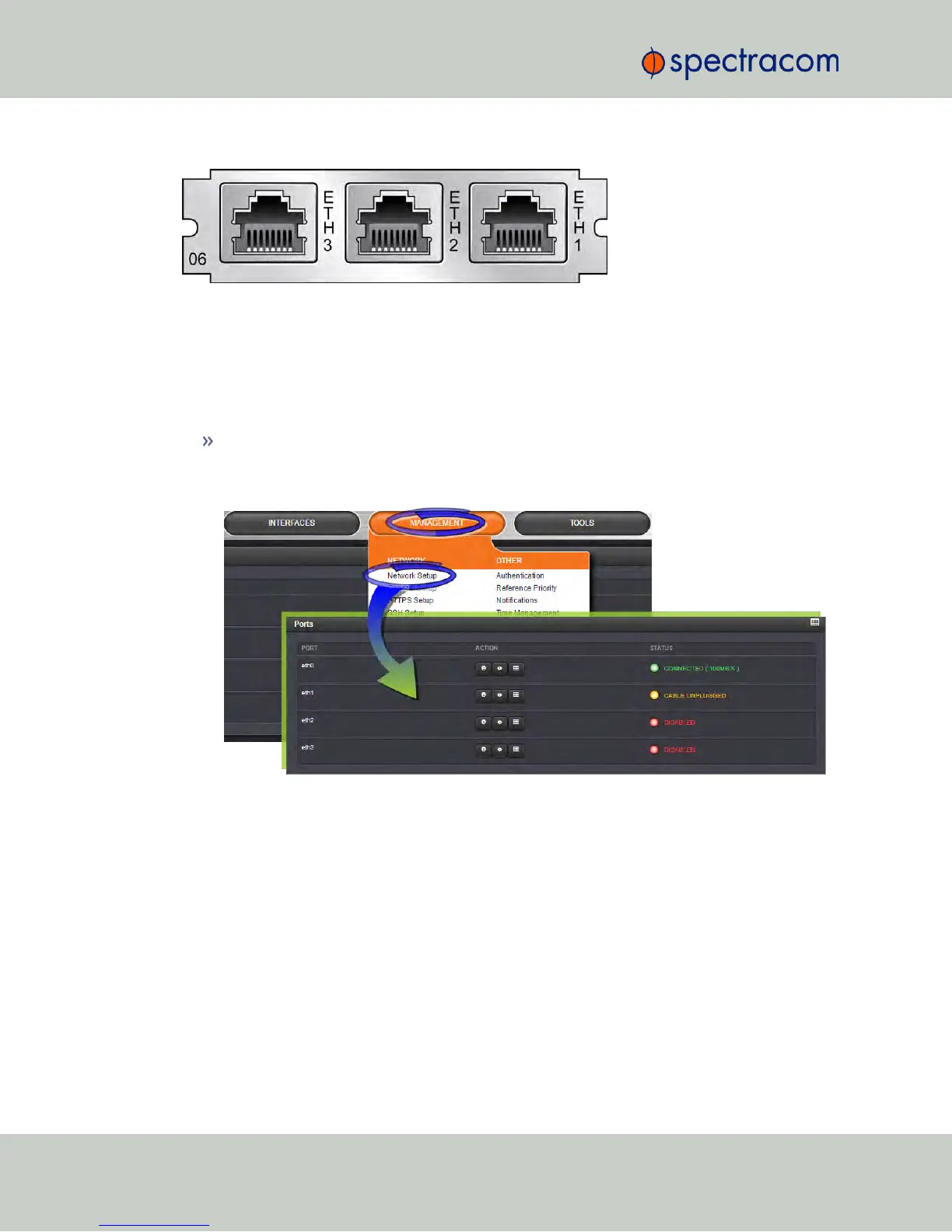
Figure 5-6: 1204-06 option module rear plate
5.2.5.2 Network Setup
To monitor and manage Ethernet on NetClock:
Navigate to MANAGEMENT > Network Setup. On the right side of the Network Setup
screen, the Ports panel will display the available Ethernet ports, and their connection
status:
Eth0 is the built-in NetClock Ethernet port. Eth1 through eth3 are the ports provided by
the 1204-06 card.
To learn more about Ethernet setup, see "Configuring Network Settings" on page56.
5.2.5.3 Routing Tables
There are five (5) routing tables in the system: one for each network interface, and one main
routing table.
360 NetClock User Reference Guide
APPENDIX



 To Next Page