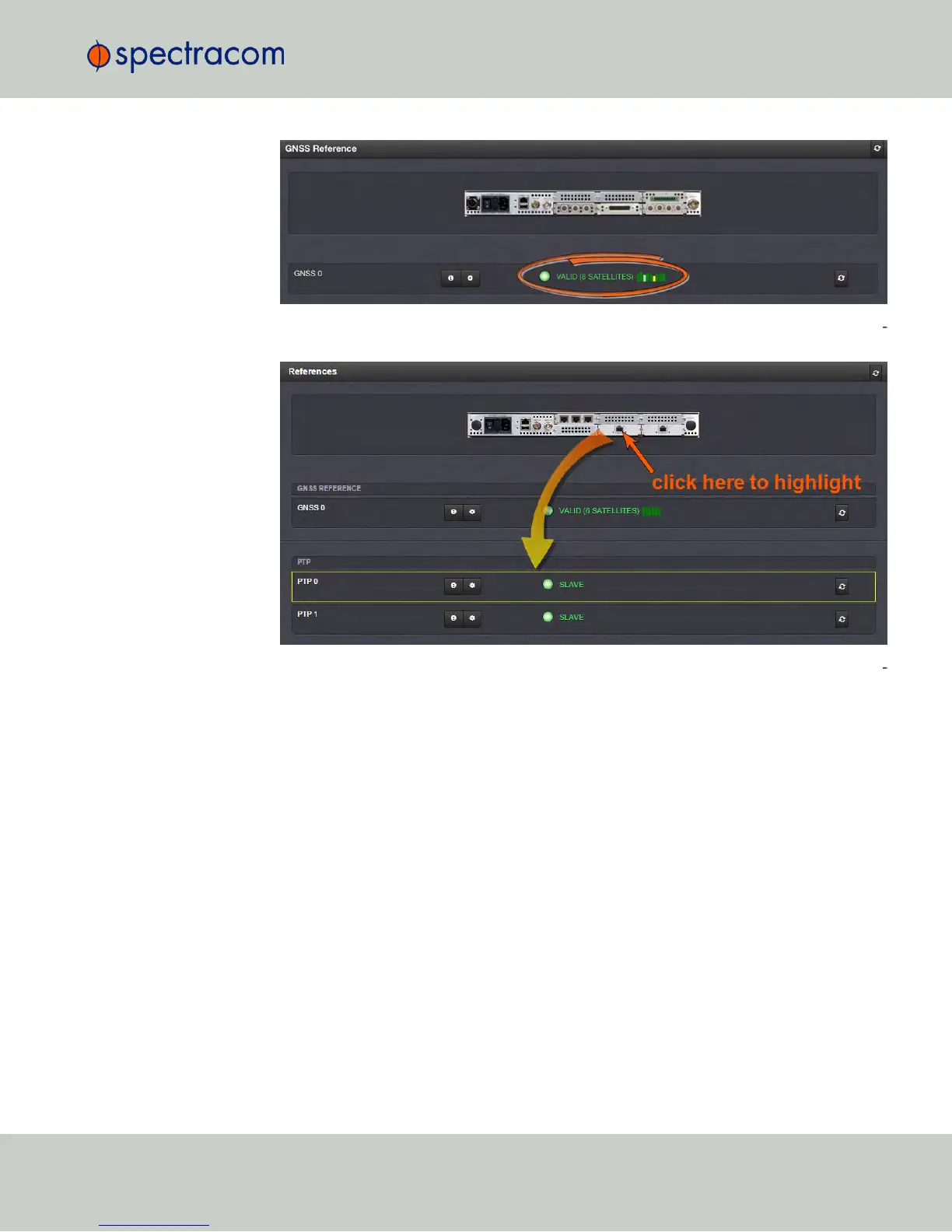
You can also click on any of the connectors shown in the rear panel illustration to high
light/identify the corresponding reference:
To display more status information for a particular input reference, click the cor
responding INFO button:
The reference window being displayed will show additional status information and
option-card specific settings. The type of input reference, and the option card model
determine which status information and option card settings will be displayed.
4.5 Quality Management
CHAPTER 4 • NetClock User Reference Guide Rev. 16
271



 To Next Page