4-2 Chapter 4: Programming Your Module
Owner’s Guide 0300199-01 Rev. D
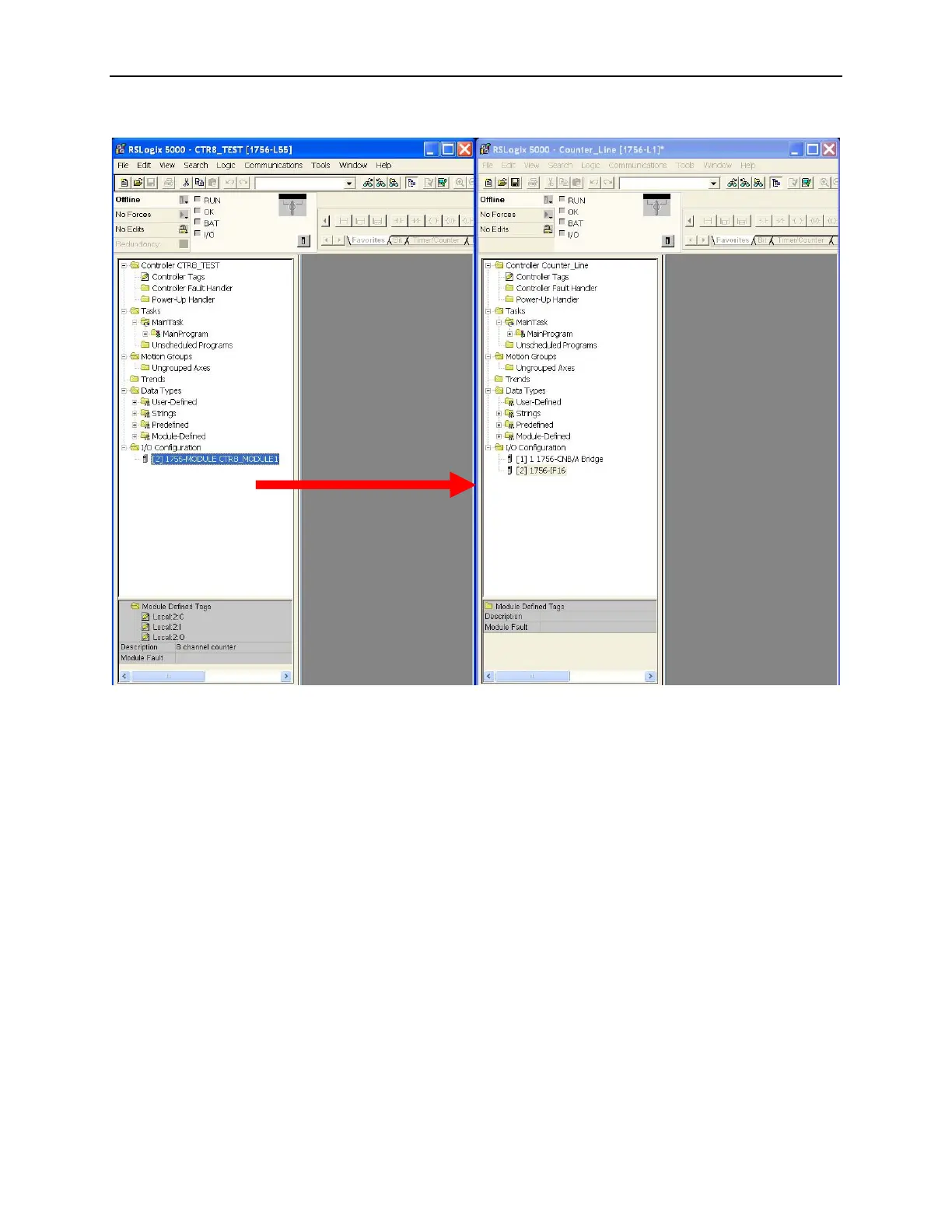
Step 1: Open the Sample Project:
Step 2: Open your new project as follows:
1. Drag and drop the CTR8 user-defined data types from the sample
project into your project.
There are three CTR8 user defined data types that need to be moved:
• ConfigurationBlock.
• InputBlock.
• OutputBlock.
2. Click on the data type.
3. Drag it into your new project.
4. Continue to drag and drop the data types until all four have been moved.


 To Next Page