Chapter 5: Configuration, Data, and Status Tags 4-3
Owner’s Guide 0300199-01 Rev. D
NOTE
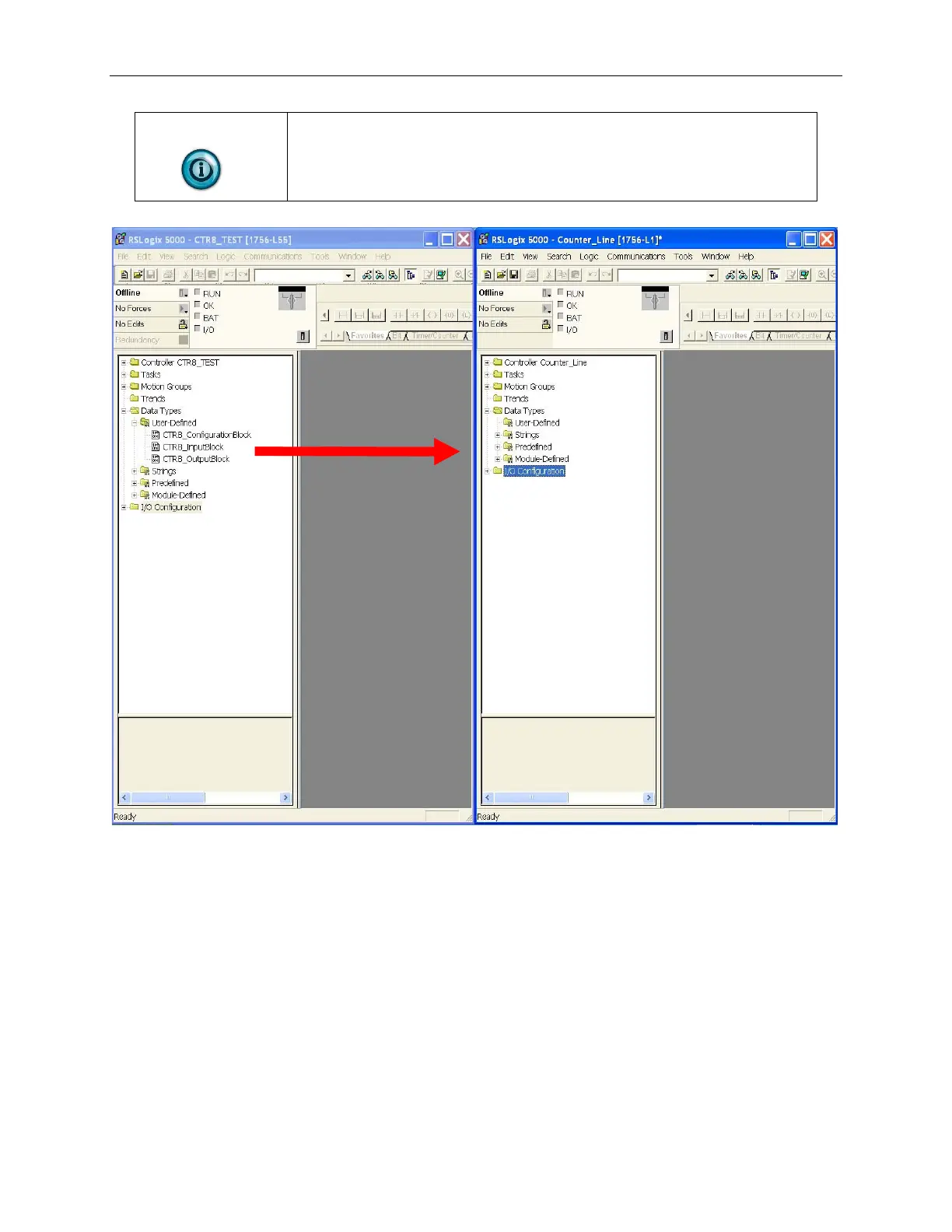
These can only be moved one at a time.
Step 3: Drag and drop the controller configuration tags from the sample project
into your project as follows:
1. Right click on the Controller Tags item of the sample project and select
edit.
2. Right click on the Controller Tags item of your project and select edit.
3. Scroll down to the Controller tags of the sample project and select all the
tags by highlighting them.
4. Drag and drop these tags into your project.


 To Next Page