7-2 Chapter 7: Troubleshooting
Owner’s Guide 0300199-01 Rev. D
OK LED SYS LED Fault Status
RED 9 Blinks Not Applicable
RED 10 Blinks XAWatchdog timeout.
In most instances you may try resetting the module to clear the fault. If you are
not successful, contact technical support as the module may require repair.
NOTE
In RSLogix5000 the Fault Status can be seen in the Module Info tab of the
module’s properties dialog.
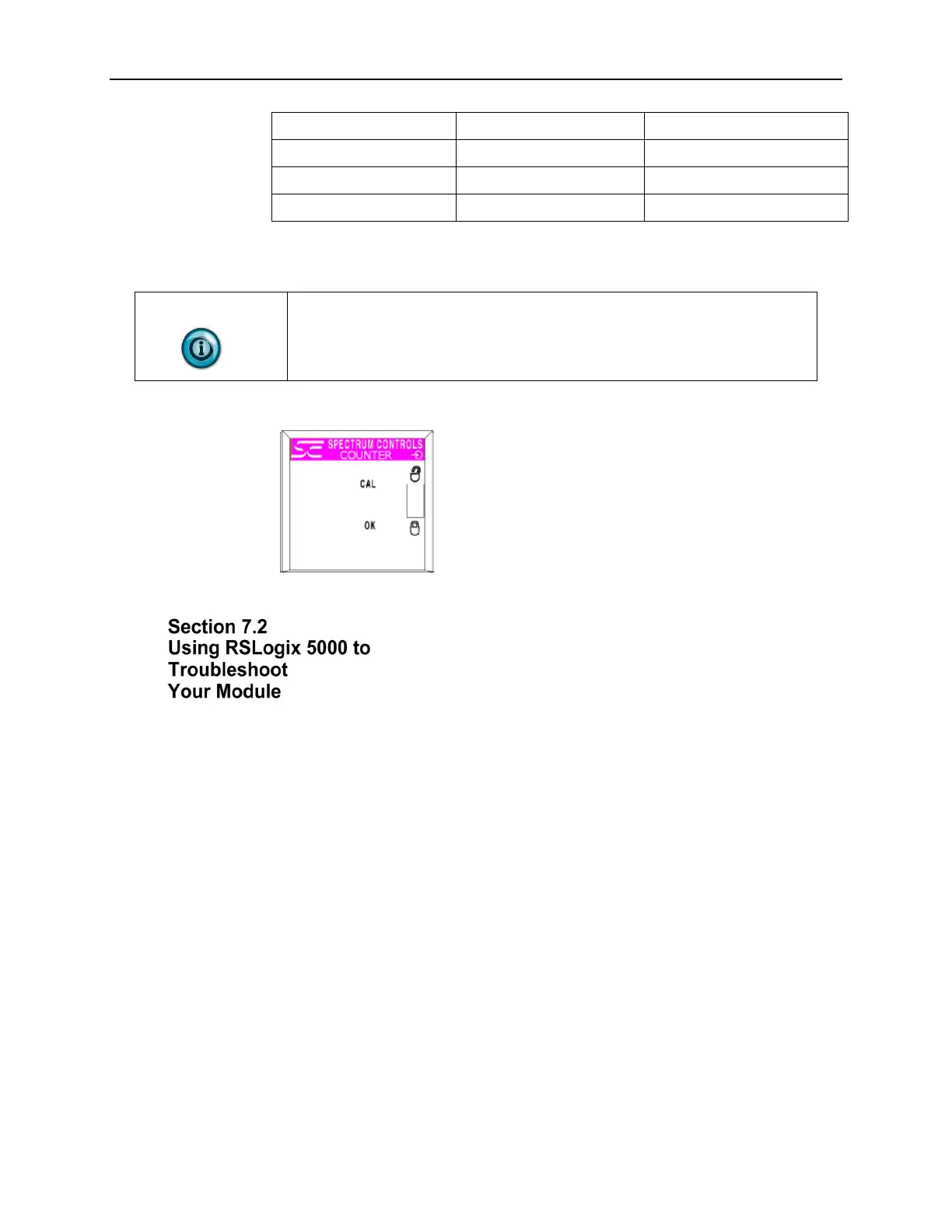
The following LED display is used with ControlLogix analog input modules:
In addition to the LED display on the module, RSLogix 5000 will alert you to
fault conditions. You will be alerted in one of three ways:
• Warning signal on the main screen next to the module. This occurs when
the connection to the module is broken.
• Fault message in a screen’s status line. Notification in the Tag Editor.
General module faults are also reported in the Tag Editor. Diagnostic
faults are only reported in the Tag Editor.
• Status on the Module Info Page


 To Next Page