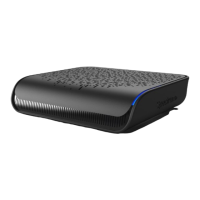
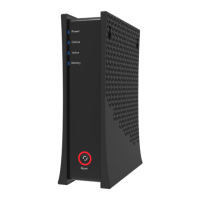
2Spectrum Business Modem
Understanding Device Connections
Rear Panel:
Voice 1-4: Use to connect analog telephones to the device. Telephone service must be enabled
by the service provider.
Cable: Use to connect to the coaxial cable from your Internet service provider.
Ethernet (Internet): Connects to an Ethernet-enabled device such as a wireless router using
an RJ45 Ethernet cable.
Power: Connects to the power adapter. Plug the other end into the wall power outlet.
Battery: 8 hour internal battery.
ATA: Used to connect additional voice hardware (not yet available in all markets).
Reset Ethernet
3
2
1
Internet Power
Modem
Coax Cable
Phone Cable
Phone
Ethernet Cable
Cable Outlet
Electrical Outlet
Power Cable


 To Next Page