5.
6. 7.
9.
5.
6. 7.
9.
5.
6.
7.
9.
8.
5.
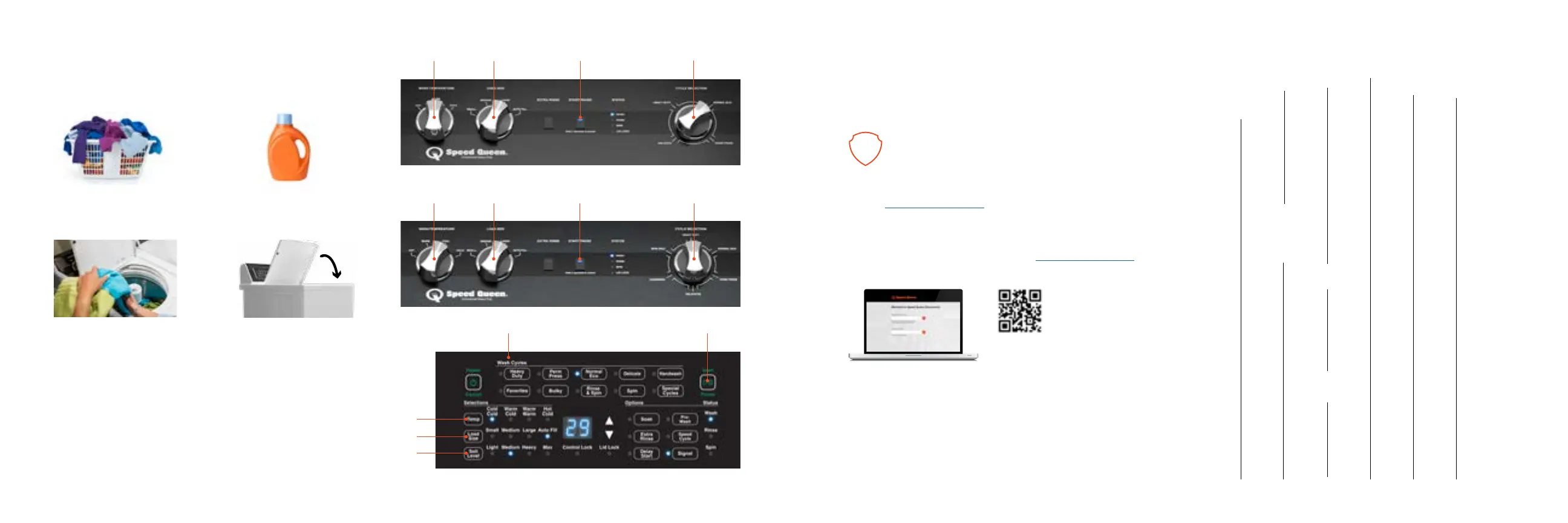
Set cycle
Operating
1.
Prepare laundry
2.
Add detergent
3.
Load laundry
4.
Close lid
6.
Set temperature
Register
1.
Register your product at www.speedqueen.com
to take full advantage of the limited warranty.
2.
Download full documentation and view installation and operating
videos for an immersive experience at Speedqueendoc.net or scan
the QR code below.
3.
If you wish to receive printed documents at no cost, please complete
the order form and return by mail to the address on the form, or
email your request to technicalcommunications@alliancels.com.
3, 5 & 7 Year Warranties, depending on your model.
Covers all parts and in-home labor.
Order Form for Printed Documentation
Allow 1-2 weeks for delivery.
Model No.
Serial No.
Name
Address City State
Zip Code
Phone No.
Email Address
7.
Set load size
(Auto ll recommended)
8.
Set soil level
9.
Press start/pause
Note:
This unit includes a limited warranty. Refer to
Speedqueendoc.net to download the full warranty bond.
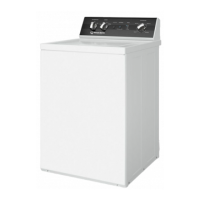
TR3 control
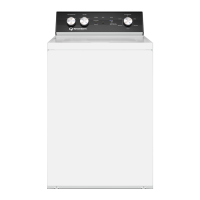
TR5 control
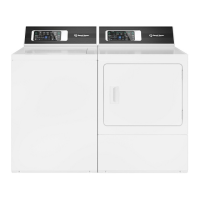
TR7 control



 To Next Page