EasyManua.ls Logo

Speed Queen TR7003WN - User Manual

Speed Queen TR7003WN
33 pages
Print Icon
To Next Page IconTo Next Page
Loading...
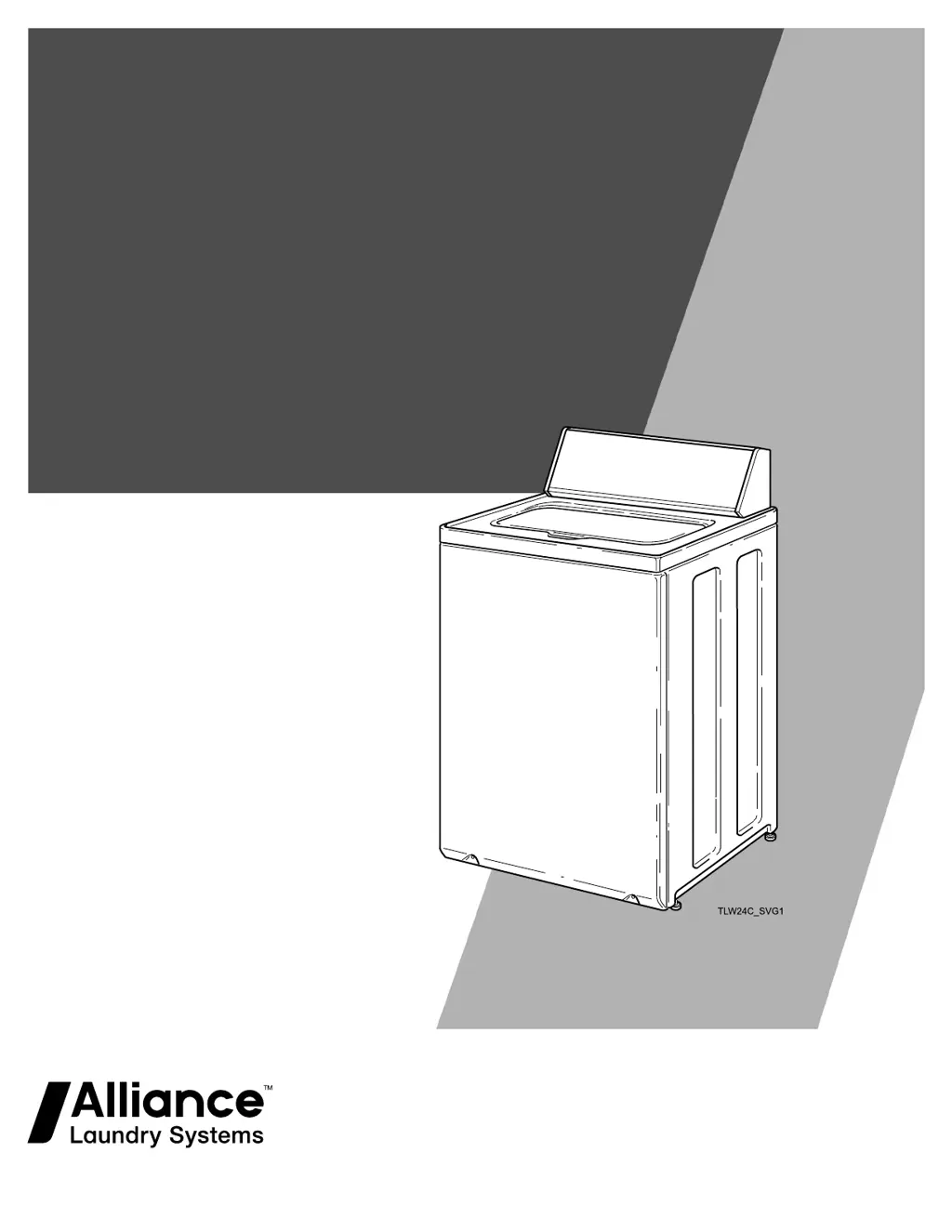
User's Guide
for Topload Washers
Original Instructions
Keep These Instructions for Future Reference.
CAUTION: Read the instructions before using the
machine.
(If this machine changes ownership, this manual
must accompany machine.)
www.speedqueen.com
Part No. 203967ENR3
September 2018

Questions and Answers

  • J
    Jeffery NelsonNov 21, 2025
    Why won't my Speed Queen TR7003WN fill with water?
    • M
      Mary BlairNov 21, 2025
      If your Speed Queen washer isn't filling, several factors could be at play. Ensure the power cord is fully plugged in, both hot and cold water faucets are turned on, and the lid is completely closed. Check that the fill hoses aren't kinked or twisted, and press the Start/Pause button. Also, verify the controls are properly set. Note that the Normal Eco cycle uses a spray rinse instead of a tub fill during the rinse portion. Ensure the last spin cycle has completed and inspect the laundry room fuse or circuit breaker. Clean the screens in the water mixing valve and the filter screens at the faucet end of the fill hoses. Check the drain hose installation according to the Installation instructions to prevent siphoning. If flood-safe stainless steel hoses are installed, they might be falsely a...
  • J
    Joshua LynnAug 25, 2025
    What to do if my Speed Queen TR7003WN Washer won't drain?
    • C
      Christopher WilliamsAug 26, 2025
      If your Speed Queen washer isn't draining, check that the drain hose isn't kinked, twisted, or clogged. Also, ensure the drain receptacle is free from clogs. Refer to the Installation instructions to verify the drain hose is properly installed.
  • B
    Brittany WrightAug 27, 2025
    How to fix water leaks in my Speed Queen Washer?
    • S
      Stephanie PearsonAug 27, 2025
      To address water leaks in your Speed Queen washer, start by checking that the fill hoses are correctly installed on both the faucets and the washer's water mixing valve. Inspect the condition of the fill hoses and replace them every five years. Ensure the drain receptacle is not clogged and check your laundry room plumbing. Examine your house water pressure, as extremely low pressure can sometimes cause leaks. If you notice excessive suds, it might be due to oversudsing or overloading; in this case, use less detergent (or a low-sudsing detergent) and ensure proper load sizes.
  • B
    Brenda BergerAug 27, 2025
    What to do if my Speed Queen TR7003WN is too noisy?
    • D
      Daniel JonesAug 27, 2025
      If your Speed Queen washer is making excessive noise, the wash load may be unbalanced; open the lid and redistribute the load. Ensure the washer is level, as uneven leveling can cause vibration. If the washer is newly installed, a knocking sound might occur due to the belt settling; run the washer through 4-5 cycles to loosen the belt.
  • J
    Jennifer RussoAug 29, 2025
    Why is my Speed Queen TR7003WN load too wet after washing?
    • C
      catherinehickmanAug 29, 2025
      If your Speed Queen washer leaves the load too wet, it could be due to an unbalanced wash load; open the lid and redistribute the items. Alternatively, the load might be too small; add more items to make a full load.
  • R
    richard58Sep 18, 2025
    What does 'Sr' mean with cycle time remaining on Speed Queen TR7003WN display?
    • F
      fduranSep 18, 2025
      If 'Sr' is displayed with the cycle time remaining on your Speed Queen washer, it indicates that the control has detected an oversudsing condition and is running a special routine to remove the excess suds.
  • C
    Catherine FosterSep 15, 2025
    What does 'PF' mean on my Speed Queen TR7003WN Washer digital display?
    • J
      Jane WilliamsSep 16, 2025
      If 'PF' is displayed on your Speed Queen washer's digital display, press the Power/Cancel Pad to clear the code.
  • M
    Monica CampbellSep 17, 2025
    What does 'Er, SL' mean on my Speed Queen TR7003WN Washer digital display?
    • J
      jlongSep 17, 2025
      If 'Er, SL' appears on your Speed Queen washer's digital display, it indicates that the laundry load may be oversudsing. Make sure you are using low-sudsing, high-efficiency (HE) detergent. If using non-HE detergent, use only 1/2 of the detergent manufacturer's recommended amount. Also, ensure that you are using proper load sizes, as an overloaded laundry load can also cause this issue.
  • G
    Gregory WalshSep 7, 2025
    Why won't my Speed Queen Washer agitate?
    • A
      April WolfSep 7, 2025
      If your Speed Queen washer isn't agitating, make sure the lid is closed completely. Press the Start/Pause button to initiate the cycle. Ensure the power cord is properly plugged into the electrical outlet and check the laundry room fuse or circuit breaker. If the drive belt is broken, you will need to call a service person.
  • S
    Sean GonzalezSep 4, 2025
    What does 'Er, FL' mean on my Speed Queen Washer digital display?
    • V
      Vanessa WilliamsSep 5, 2025
      If 'Er, FL' appears on your Speed Queen washer's digital display, ensure that both the hot and cold water faucets are turned on. Also, check that the fill hoses are not kinked or twisted. Clean the screens in the water mixing valve and the filter screens located at the faucet end of the fill hoses. You can also try unplugging the machine for 15 seconds to clear this code.

Summary

Safety Information

Explanation of Safety Messages

Explains the meaning of DANGER, WARNING, CAUTION, IMPORTANT, and NOTE statements.

Important Safety Instructions

Provides essential precautions to reduce risk of injury, fire, or explosion when using the washer.

Operation

Loading the Washer

Guidance on how to load the washer correctly for optimal results and to avoid imbalances.

Control Panel

Wash Cycles

Overview of standard and special wash cycles.

Cycle Customization

Details Selections (Temp, Load Size) and Options (Soak, Pre-Wash) for modifying cycles.

To Wash Clothes

Washing Procedure

Step-by-step guide to loading clothes and starting a wash cycle.

Cycle Operation

Special Cycle Details

Provides details for Special Cycles like Eco Heavy Duty, Waterproof, Super Soiled, and Wool.

Maintenance

Troubleshooting

Warranty Repairs

Contact Information

Speed Queen TR7003WN Specifications

General IconGeneral
Styletop load
Colorwhite
Washer Capacity3.2 cu. ft.
Max Spin Speed840 rpm
Number of Cycles8
Temperature Settings4
Soil Levelsyes
Internal Heaterno
Control Paneldigital
Delay Start / Endyes
Cycle Signalyes
Interior Lightno
Steamno
Add Washno
Soak Settingsyes
Remote Controlno
Wi-Fino
Voltage120 volts
Frequency60hz
Current15a
Weight and Dimensions IconWeight and Dimensions
Depth28 inch
Height42 3/4 inch
Width25 5/8 inch
Net Weight195 lbs.

Videos

How to Properly Measure Detergent for Speed Queen TR7003WN

Related product manuals