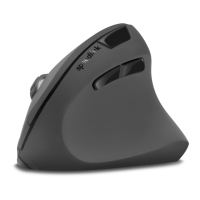
SL-680005-BKRD
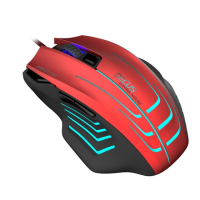
DECUS RESPECGAMING MOUSE
SPEED
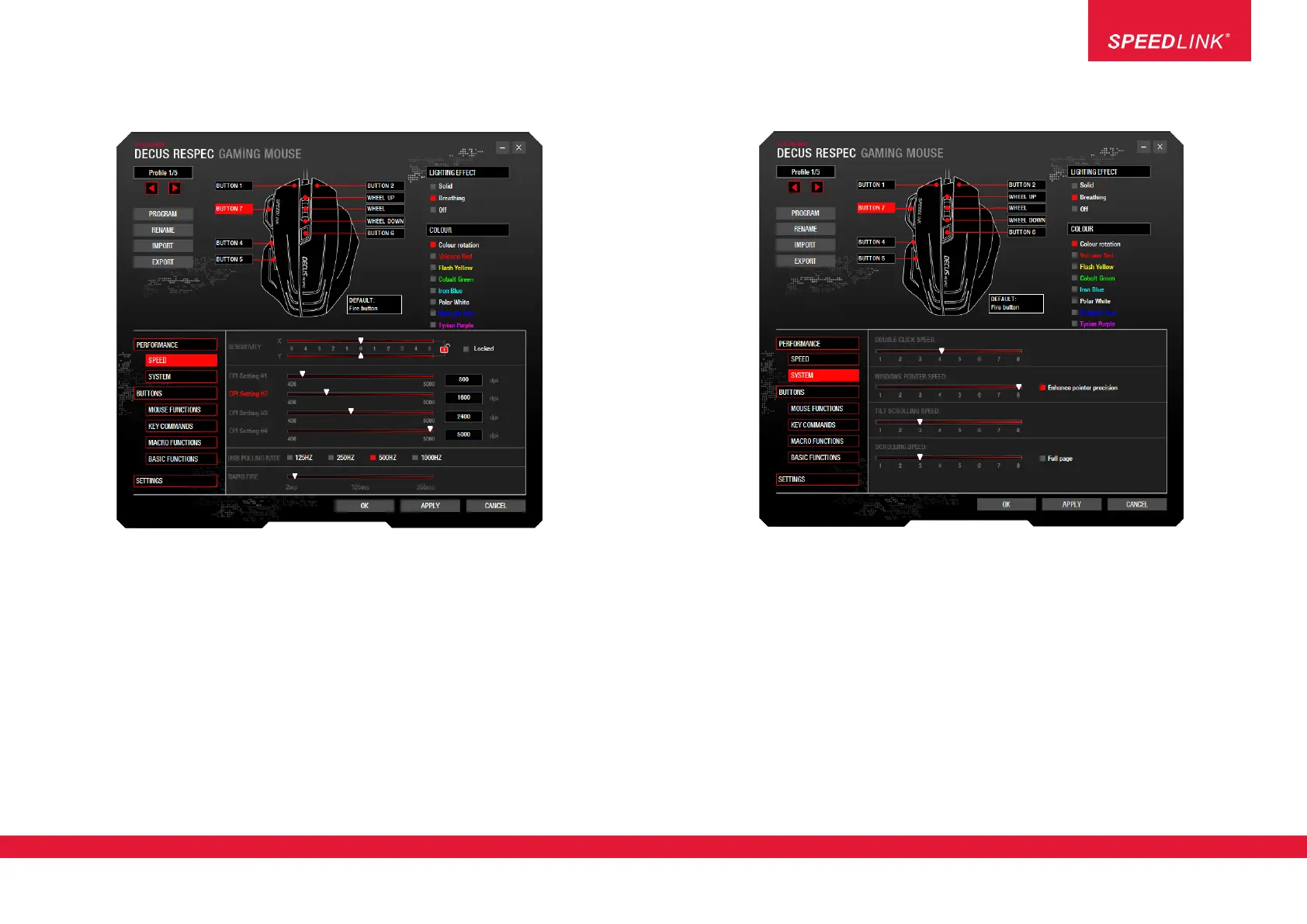
In this menu, you can configure the sensitivity, dpi level, polling rate and speed of the rapid fire function.
• Change the sensitivity of the X and Y axes (select ‘Locked’ to change both together)
• Select and change the dpi level: Here you can toggle between 4 dpi levels and change each one
(400 to 5,000dpi)
• Set the polling rate: Select the desired value (125Hz to 1,000Hz)
Each value represents a signal interval at which your PC polls your mouse for information (actions)
(125Hz = lowest polling rate – 1,000Hz = highest polling rate).
• Configure the ‘rapid fire’ rate: Select the desired value (2ms to 255ms).
This setting relates to the ‘Rapid fire’ function, which you can assign to any mouse button.
Be aware: the lower the ms value, the higher the fire rate.
SYSTEM
In the ‘SYSTEM’ submenu you can find the standard mouse settings for Windows (corresponds to options in
the Windows Control Panel):
• Double click speed
• Windows pointer speed
• Tilt scrolling speed
• Scrolling speed
Jöllenbeck GmbH, Kreuzberg 2
27404 Weertzen, GERMANY
www.speedlink.com
2


 To Next Page