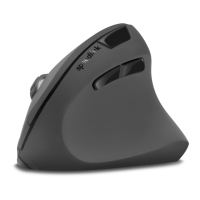
SL-680005-BKRD
DECUS RESPECGAMING MOUSE
MACRO FUNCTIONS
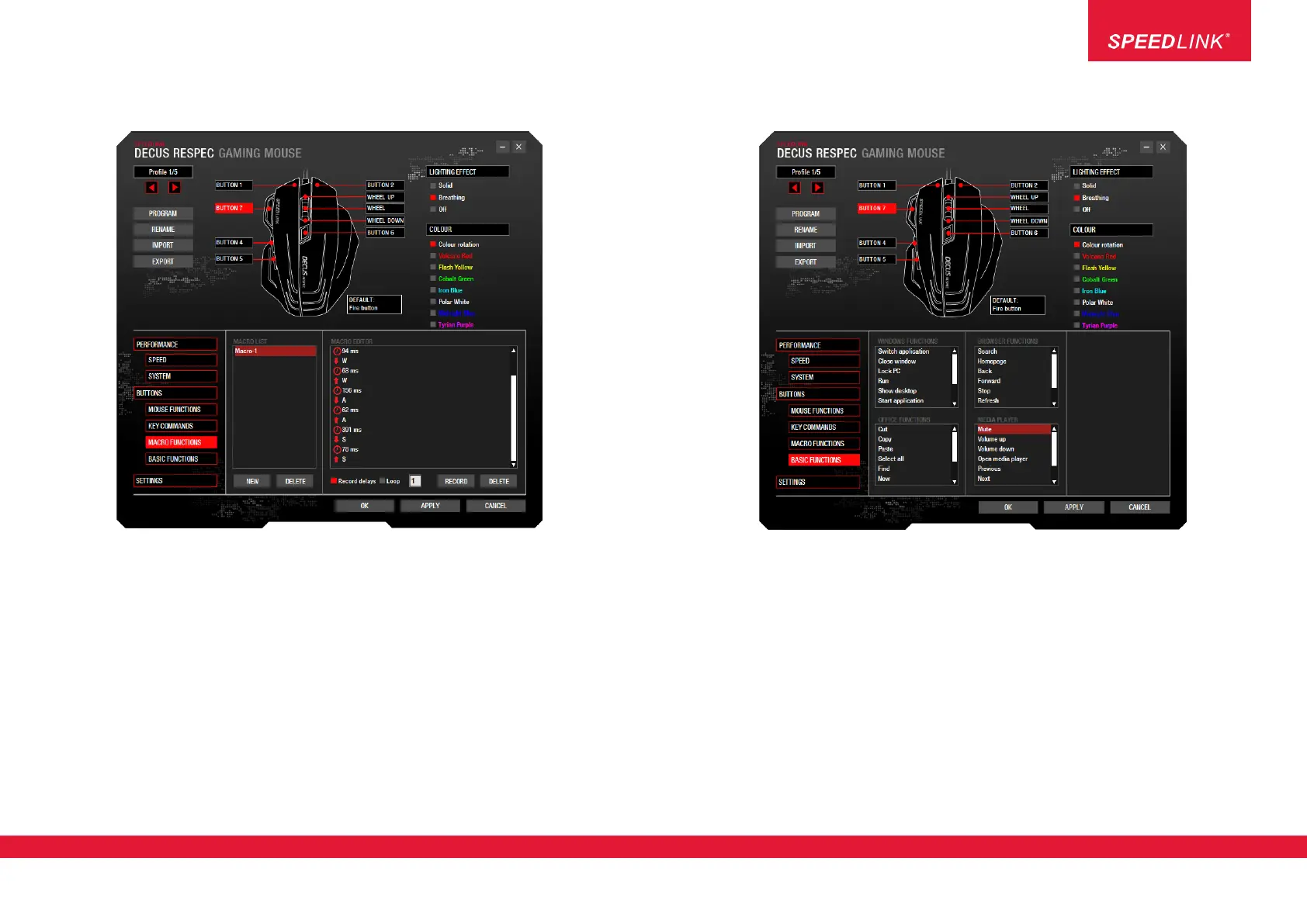
The left-hand column includes a list of macros created using the driver. On the left, select the macro. On the
right, click the Macro Editor pane to record or edit the macro.
Creating a new macro:
1. Click ‘NEW’ to enter a name and confirm by hitting the ‘Enter’ key
2. On the right-hand side in the Macro Editor pane, click ‘RECORD’ and enter your macro
3. Click ‘STOP’ to stop recording
NOTE: You can edit the macro or add new commands after recording. To do this, simply right-click the
Macro Editor pane.
BASIC FUNCTIONS
An advanced basic function can be mapped to each DECUS RESPEC button:
• Windows functions, e.g. close window, show desktop
• Office functions, e.g. cut, copy
• Browser functions, e.g. back, forward
• Media player (default operating system player) functions, e.g. mute, volume up, volume down
Jöllenbeck GmbH, Kreuzberg 2
27404 Weertzen, GERMANY
www.speedlink.com
4


 To Next Page