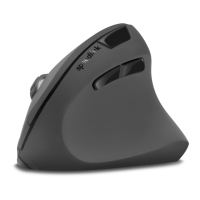
SL-680005-BKRD
DECUS RESPECGAMING MOUSE
MOUSE FUNCTIONS
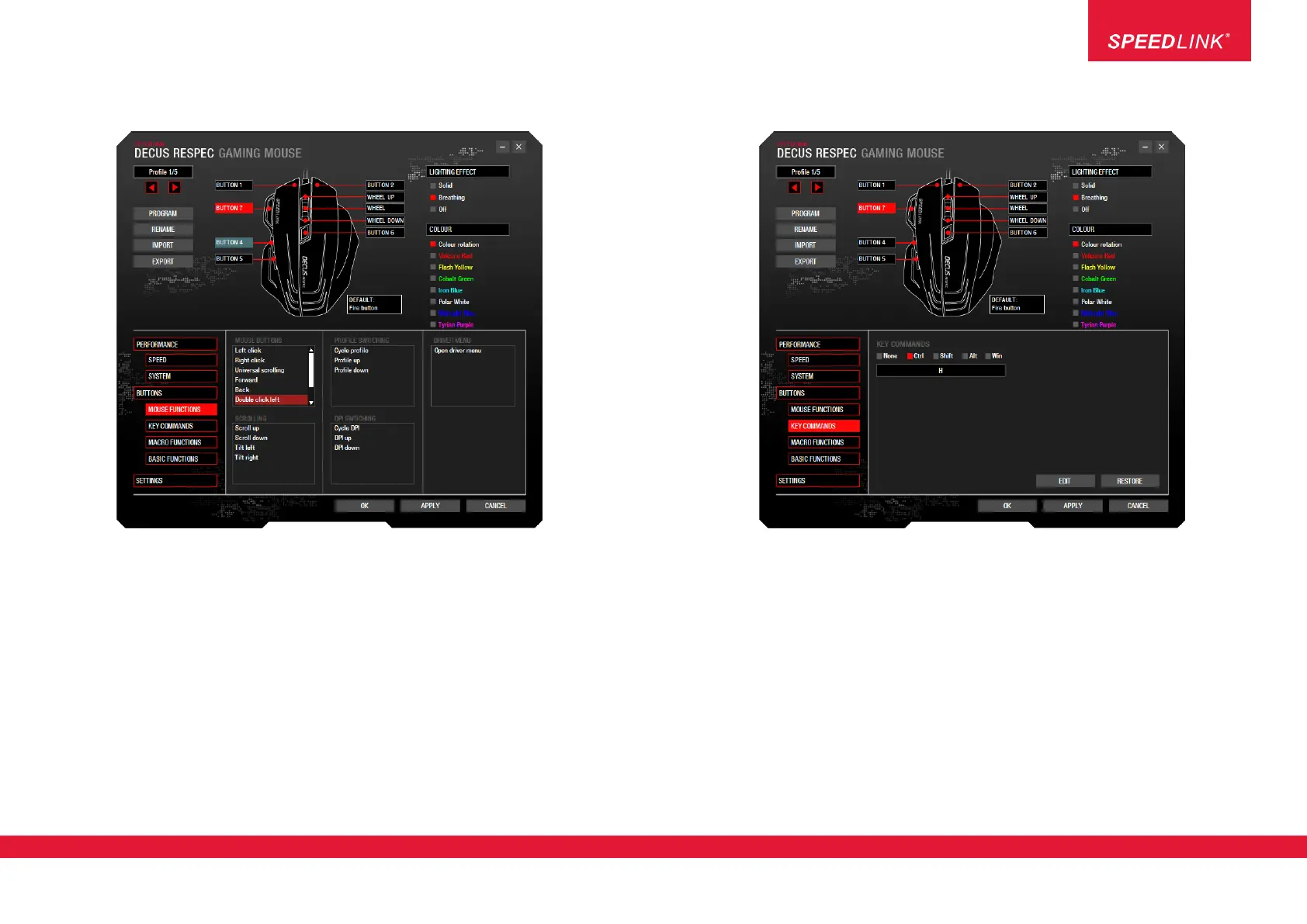
Here you can assign special mouse functions to the selected mouse button, e.g. left click, right click, scroll
up/down, etc.
Info: The difference between ‘Rapid fire’ and the ‘Fire button’ function is that the ‘Fire button’ has a set repeat
rate; in the game, it can be pressed independently of other buttons, and quickly repeats the left mouse click.
By contrast, the repeat rate of the ‘Rapid fire’ function can be configured to suit (see ‘SPEED’); in the game,
it must be pressed together with any other mouse button, repeating its function.
KEY COMMANDS
Here you can assign specific shortcuts to the selected button:
1. Click ‘EDIT’
2. Press the desired button on the keyboard
3. Click ‘EDIT’ again
NOTE: You can also choose an additional modifier key (e.g. Ctrl) if required.
Jöllenbeck GmbH, Kreuzberg 2
27404 Weertzen, GERMANY
www.speedlink.com
3


 To Next Page