In DirectInput mode, you will also find the options there for the
vibration function; for XInput games, configure the vibration
functions in the game’s options settings. Please note, vibration
functions only work if supported by the game and the relevant
option is enabled in the game’s options settings.
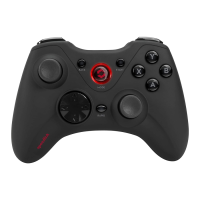
9. STANDBY MODE
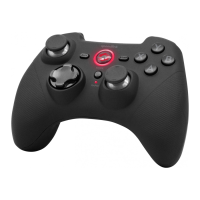
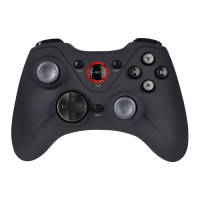
After seven minutes of inactivity (or after 30 seconds if a wireless
connection has not been established), the gamepad will switch to
standby mode to save power; to reactivate the gamepad, press
theHOME button. If the gamepad’s upper-right LED starts flashing
during use, charge the gamepad. You can use and charge the
gamepad at the same time.
If you do not intend to use the gamepad, you can switch it o by
pressing and holding theHOME button for three seconds.


 To Next Page