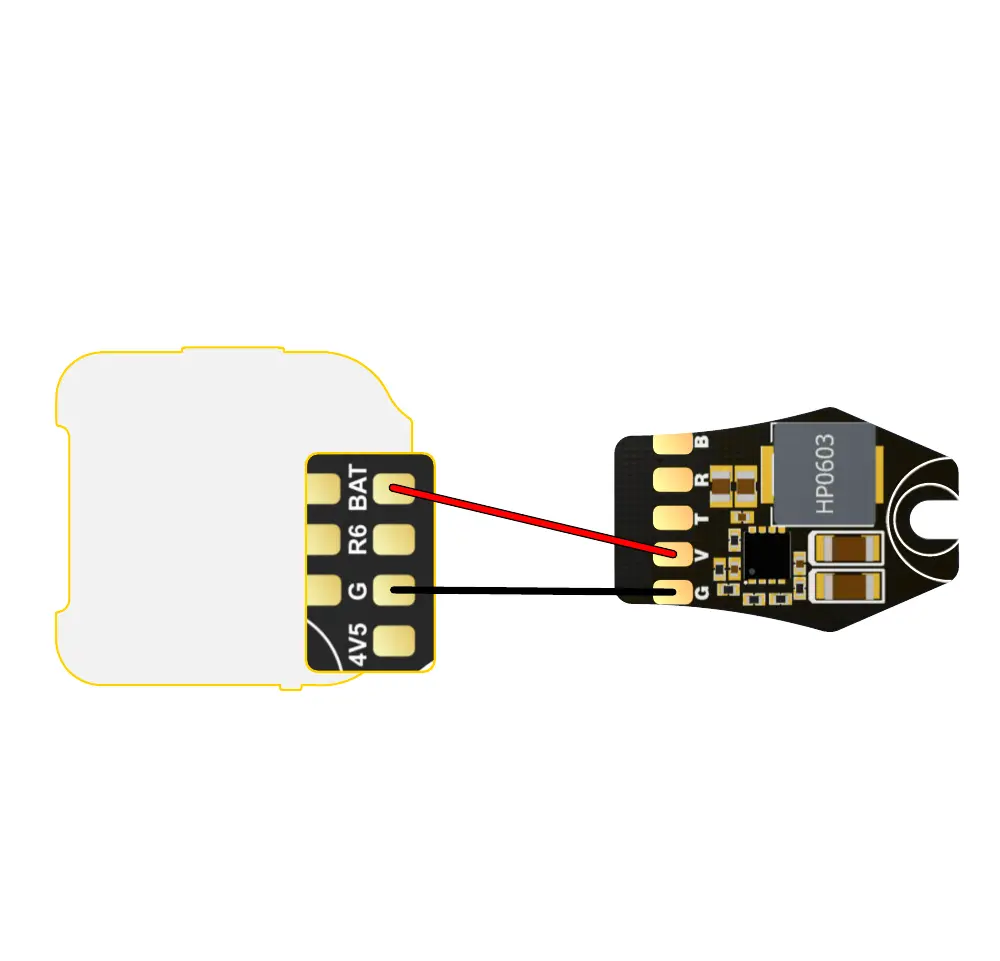
LED Strip Wireless Conguration
If the ight controller comes with a built-in Bluetooth
conguration feature, there is no need to solder TX and RX. You only
need to connect V and G to peorm wireless conguration of the LED.
① The red wire should be soldered to the BAT pad of the ight controller
or the positive pole of the power cable, with an input voltage range
of 2-6S lithium batte.
② The black wire should be soldered to the G pad of the ight controller
or the negative pole of the power cable.



 To Next Page