6875 Freezer/Mill
Page 12 of 42 SPEX® SamplePrep LLC DEC 2015
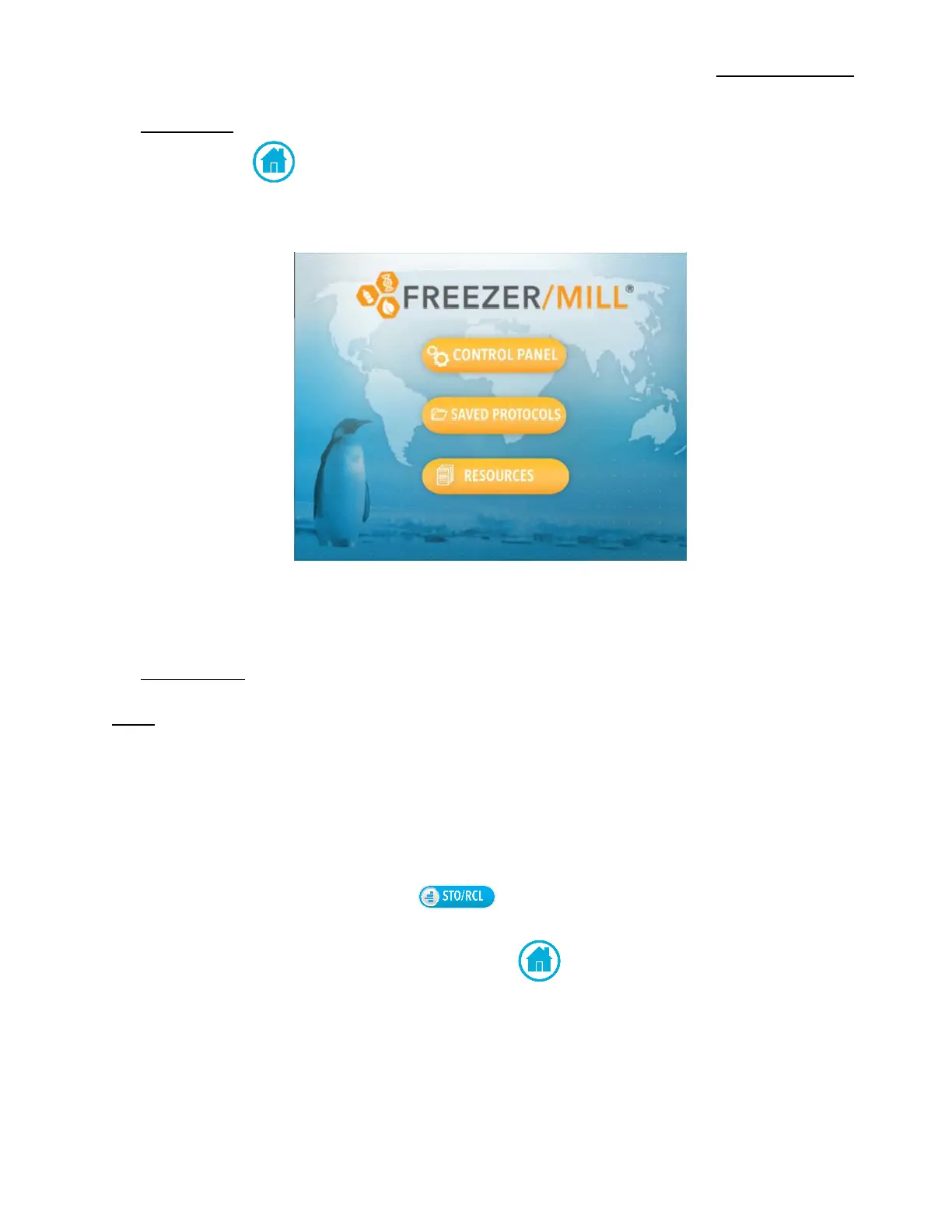
5.1 Logo Screen (Cont’d)
The Home Screen Icon can be found on the following screens (e.g. Control Panel,
Resources, Saved Protocols) positioned to the bottom right of the screen. Touching the Home
Icon allows the users to return to Home Screen.
5.2 Control Panel
NOTE: To keep a run from being interrupted by the liquid nitrogen (LN) sensor, the LN level
should be visually checked from time to time during extended runs, as well as before
every run.
The Control Panel displays the programmed run parameters, as shown in Figure 5. Changes to
the run settings, are made from this screen. The 6875 Freezer/Mill is Only equipped with one
Grinding Chamber.
To recall stored run protocols, touch the button located at the bottom right of the
screen. (See section 5.4 for more information on Saved Protocols)
--To return to the Home Screen touch the Home Icon.


 To Next Page