6875 Freezer/Mill
Page 15 of 42 SPEX® SamplePrep LLC DEC 2015
5.2 Control Panel (Cont’d)
During the PRECOOL stage the TIME REMAINING line counts down the time for that stage in
1-second increments. To pause the program, touch the button. To continue the
program touch the RESUME button. To abort the program, touch the button. To start
a new program, touch the button. When the programmed stage (e.g. PRECOOL) is
complete a green check mark will appear next to that field. (Samples must be precooled)
Following the PRECOOL stage is the first GRINDING cycle stage. The RUN TIME line will display
the time remaining in that cycle of the grinding stage. At the end of each grinding period a green
check mark is placed next to that field. If there are 4 total grinding periods, the CYCLES line will
countdown to “0”.
Figure 8 – Run Screen during grinding
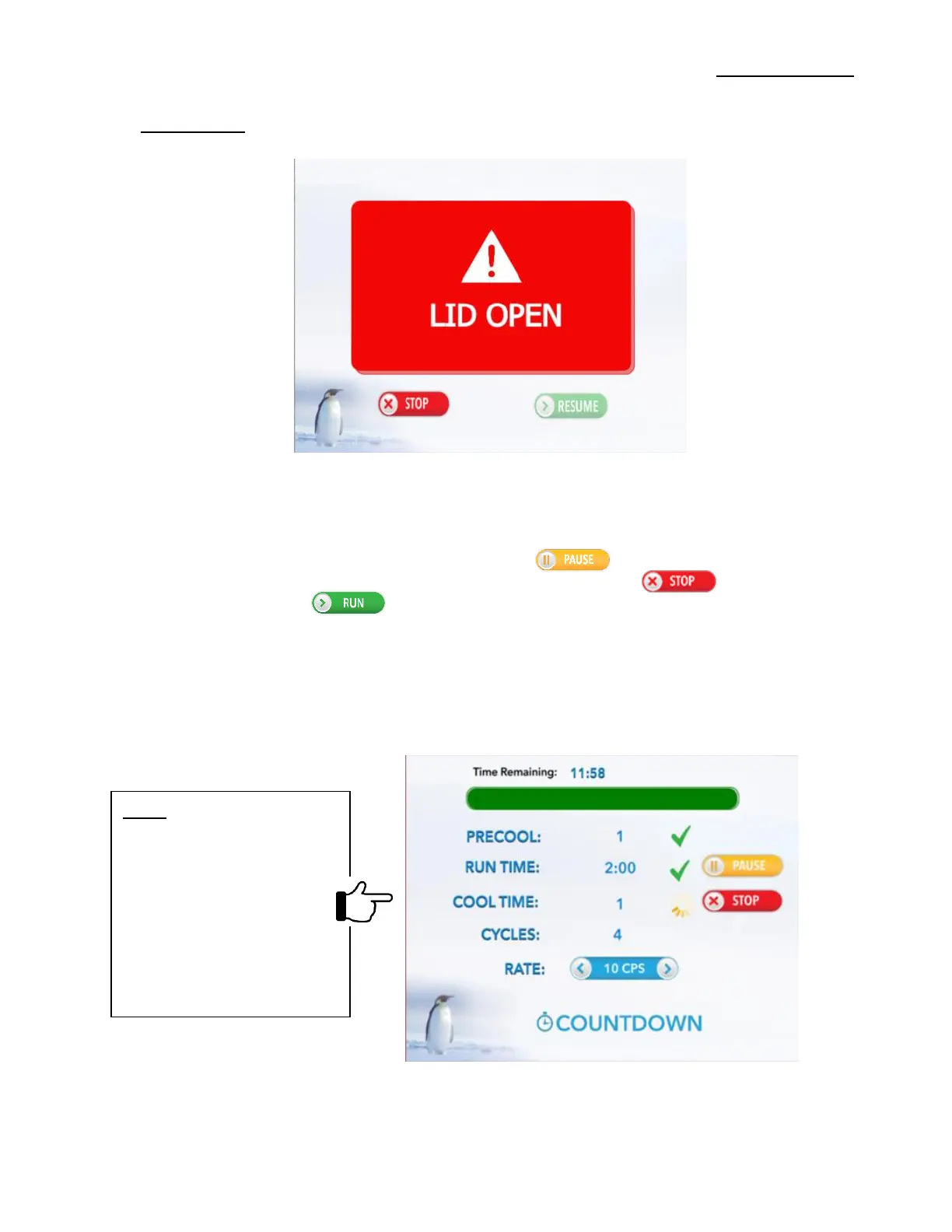
Figure 7 – Lid Open Screen
NOTE: By touching the Run
screen (and hold), during a
programmed run displays
the current run settings in
an Orange Color Font.
The protocol description
located bottom of screen
will change to SETTINGS.


 To Next Page