V. Operation and function
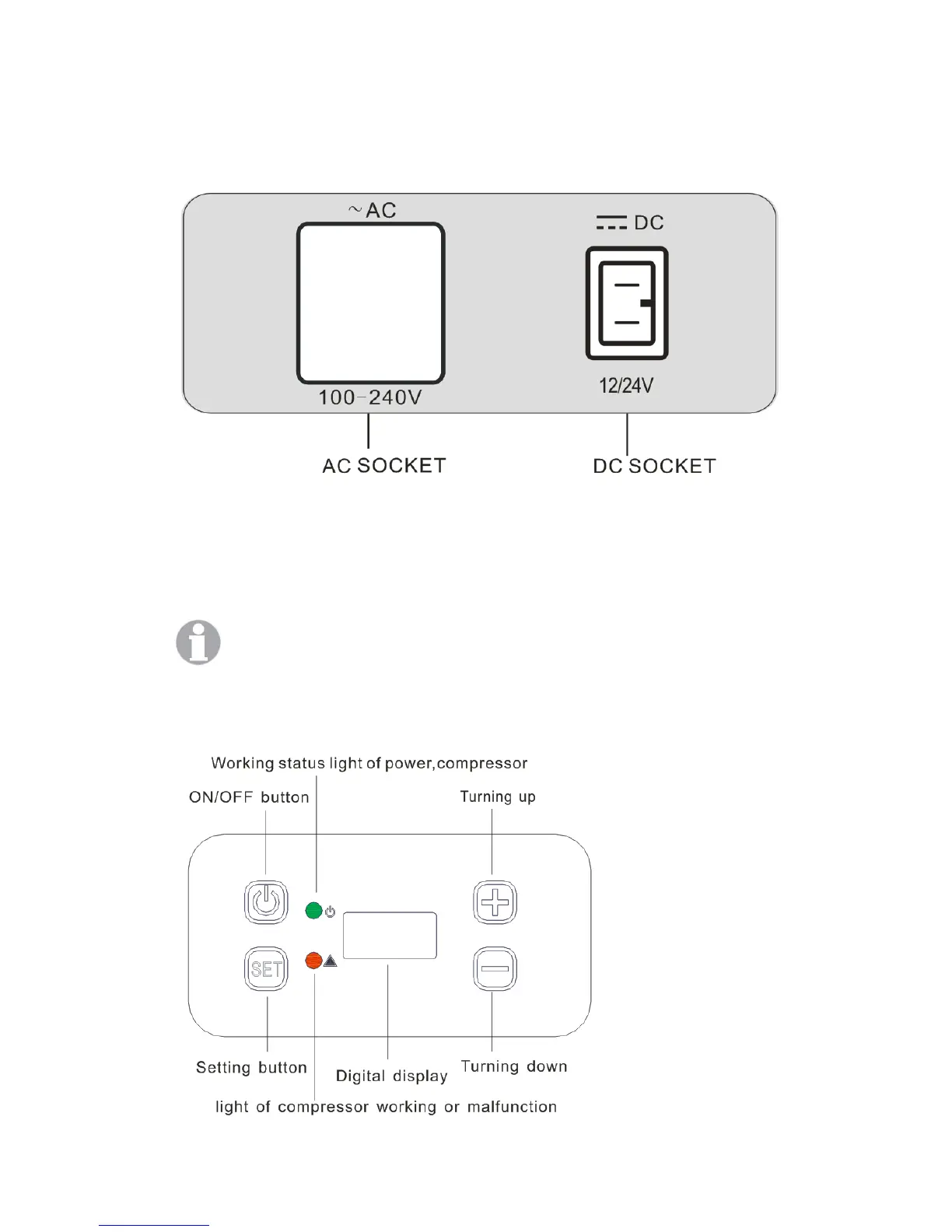
1. Connecting to power
-Slide emergency switch to standard mode NORMAL USE position.
-Insert DC plug into vehicle AUX power socket making sure it is either a DC 12V/24V
outlet.
-When using Mains power of AC 100-240V, please insert the AC plug into an AC socket.
And remove the 12/24VDC power lead from the appliance at this time.
During normal operation, emergency mode is not applicable. Emergency mode is
only used while the operating panel is malfunctioning.
2. Operating panel


 To Next Page