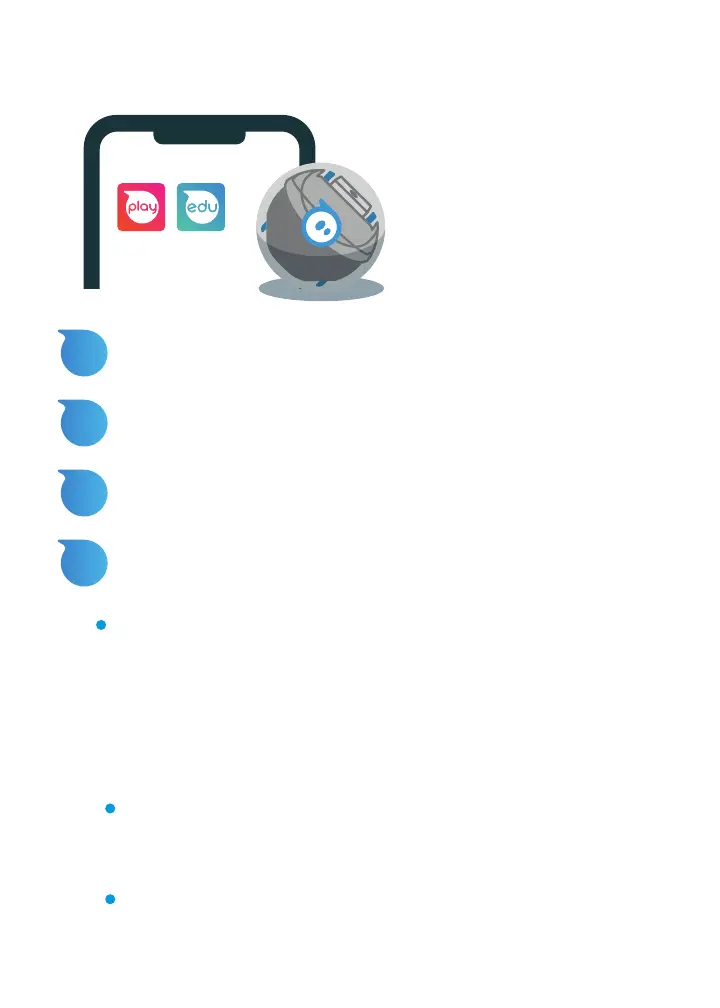
CONNECTING WITH BLUETOOTH
1
Open the Sphero Edu or Sphero Play app.
2
From the Home Page, select “Connect Robot”.
3
Select “Sphero Mini” from the list of robot types.
4
Hold your robot next to the device and select it to
connect.
Note: After connecting to bluetooth for the first time,
there will be an automatic firmware update.
CARE AND MAINTENANCE
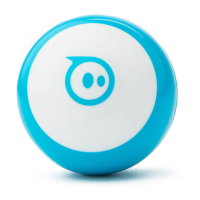
Here are some tips for caring for your Mini:
Mini is shockproof and can handle the elements. That
being said, we don’t recommend testing this theory from
the top of your house.
Mini is not waterproof.


 To Next Page