19/11/2013 Vers. 1.1 28
13. Setup
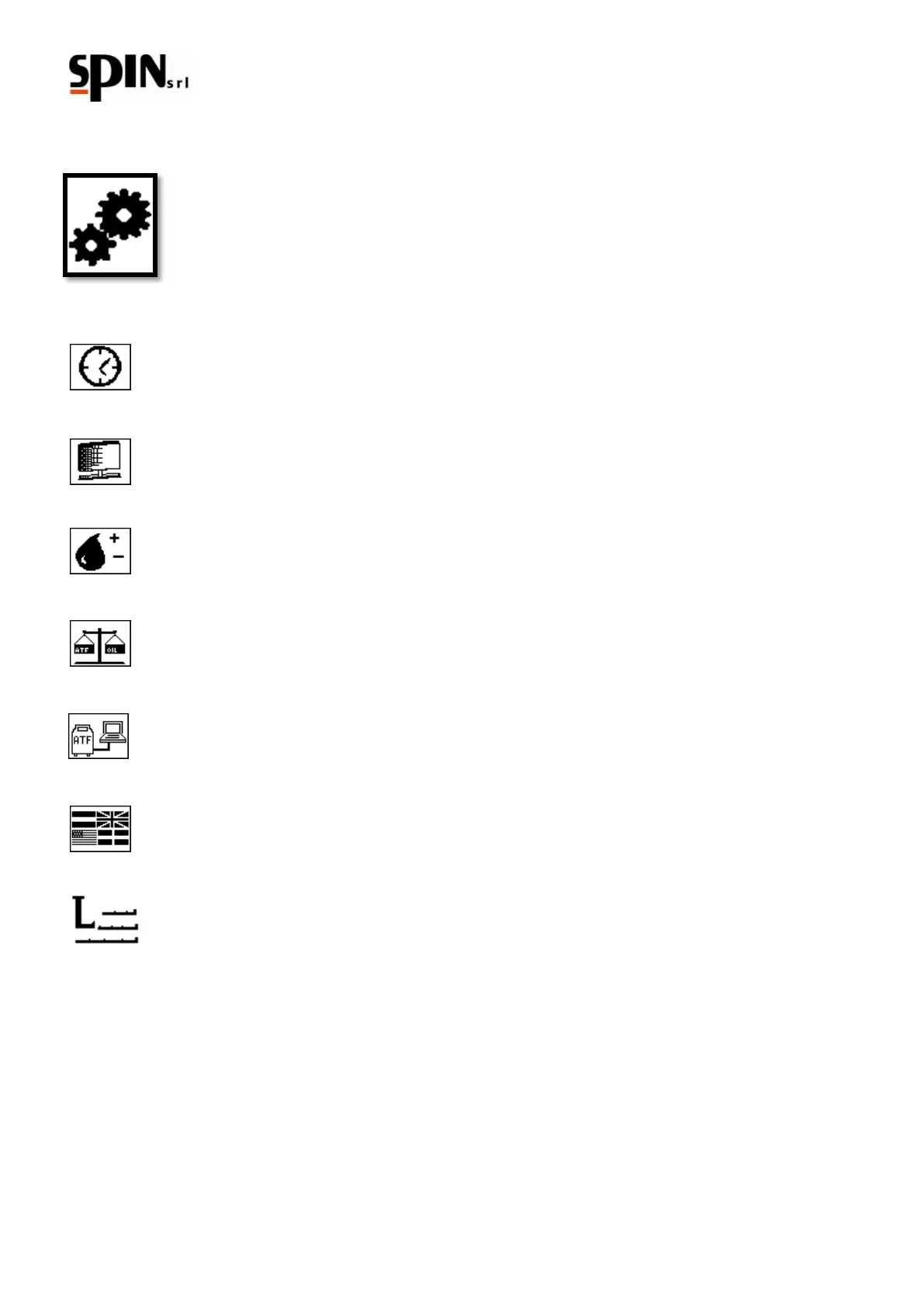
The Setup menu has the following icon.
13.1. Time/Date Setting
The user changes the time and date.
13.2. LCD Setting
The user can adjust the brightness and contrast of the display
13.3. Oil Setting
The user can adjust the viscosity of both new and old oil, which is the l/g conversion parameter.
13.4. Calibration Test
This function allows you to control the operation of the scales inside the station.
13.5. PC Connection
Data Update: languages, icons and fonts.
13.6. Language Setting
Selection of different languages.
13.7. Pipe compensation
With this parameter you can set the length of the pipes. The station will carry out the automatic
compensation of the amount of oil contained in the pipes.



 To Next Page