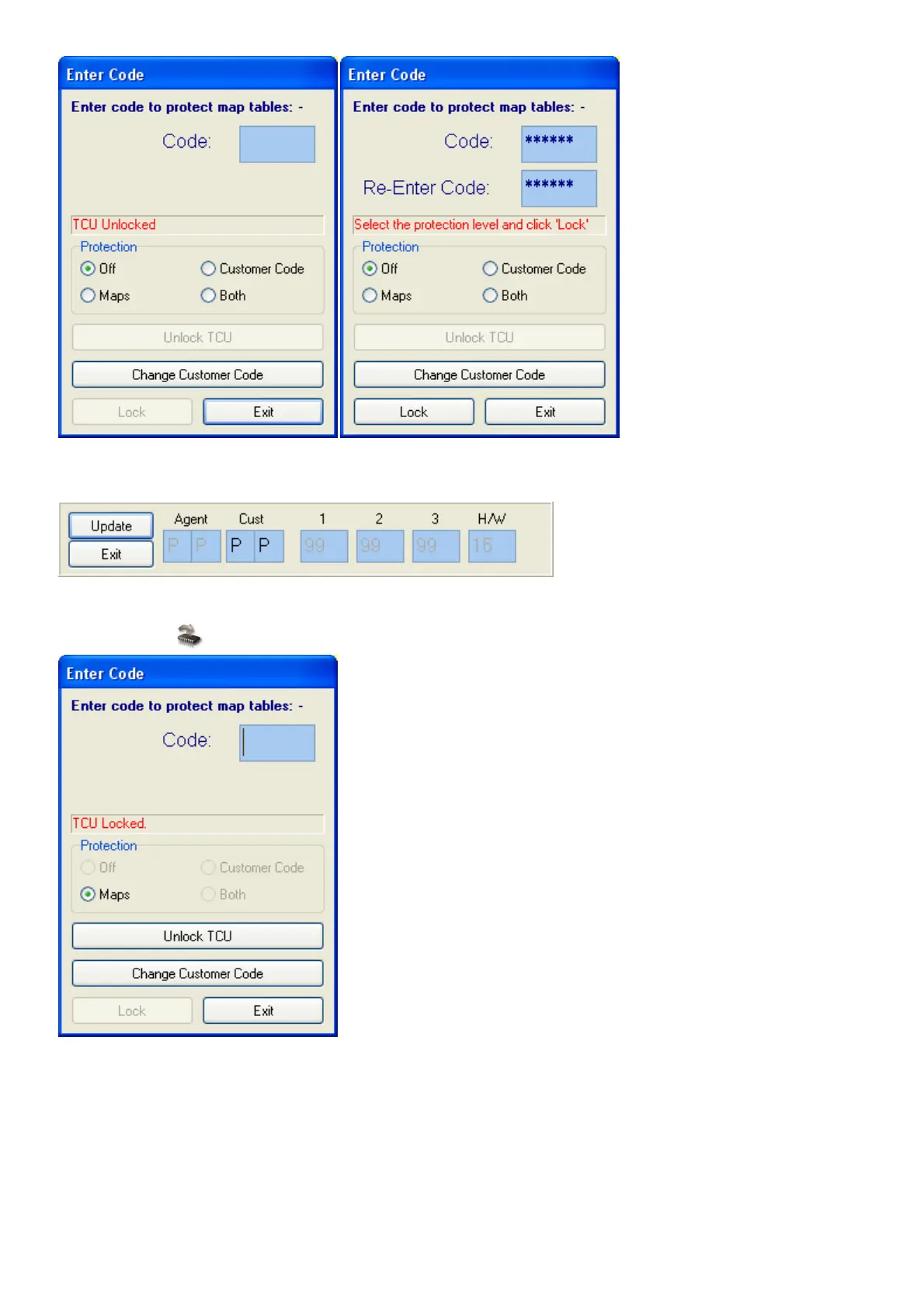
To change the Customer code you need to put in the Agent Password which is only supplied to
the agents by the manufacturer.
To unlock the TCU enter the same password that you used to lock the Code. If you press the
Write to TCU button, the profiles will stay open.
If you changed data and quit the program or switch the TCU off without saving the data in the
flash, the software will prompt you to take action with one of the following blocks so that the data
will not be lost.



 To Next Page