OK button. Then click on the Write to TCU button. When you switch the TCU off and on
again, the TPS bar should indicate 0% when pedal is released and 100% when pedal is pressed.
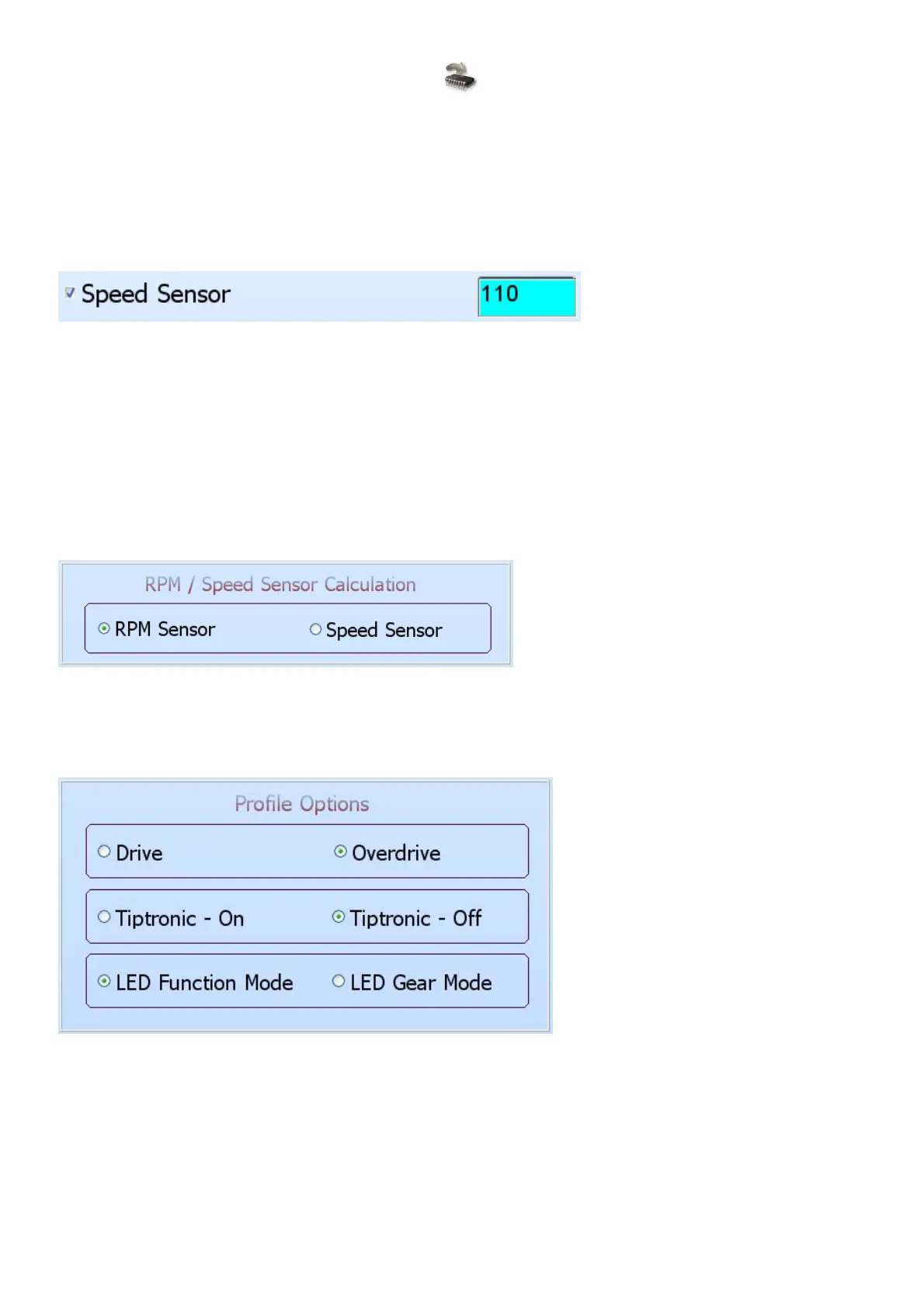
Speed Sensor – This speed sensor tells the TCU how fast the road speed is. The road speed is
used on each profile to help with the decision of when to shift gears to ease driving. It is very
important that this sensor operate, and is calibrated, correctly. It cannot be disabled as it is
required by the current firmware. First set the RPM Pulses / Revolution on the setup page to the
correct setting. Then use this value with a GPS or the car speedometer to read the correct speed.
If you increase the value the speed will be higher and also the other way round. Make sure that
the TCU is in Profile1. Calibrating it here will use the calibration in all the other profiles.
Oil Temp – This sensor is disabled and reserved for future development.
Map Sensor – This sensor is disabled and reserved for future development.
Reverse Logic – This sensor is important for the TCU as is not allowed to shift gears while in
reverse. The arrow on the right when indicating blue and down, tells the TCU that the reverse
signal give a ground or earth pulse when reverse is selected. When the arrow indicates Red and
up, it tells the TCU that the reverse signal gives a 12 volt pulse when reverse is selected. It cannot
be disabled as it is required by the current firmware.
6.7.2.2 RPM / Speed Sensor Calculation
RPM / Speed Sensor Calculation – This sensor cannot be changed as for the current firmware. It
is reserved for future development.
6.7.2.3 Profile Options
These options allow the user to set up different profile operations for the TCU.
Drive / Overdrive – This setting will allow the TCU to start in overdrive or not, during startup. It is
handy if the vehicle is normally used for town driving or open road. The overdrive can be switch on
or off during driving.
Tiptronic On / Tiptronic Off – This setting will allow the driver to shift gears manually with the
buttons in the specific profile.
LED Function Mode / LED Gear Mode – This setting alternates between 2 different LED display
modes. In Function Mode the Green LED displays Off for Overdrive, On for Drive and Flashing



 To Next Page