General Purpose Outputs – It is not featured by the current firmware but reserved for future
development of different firmware and hardware.
6.7.2 Sensor Setup (Alt 2)
6.7.2.1 Active Sensors
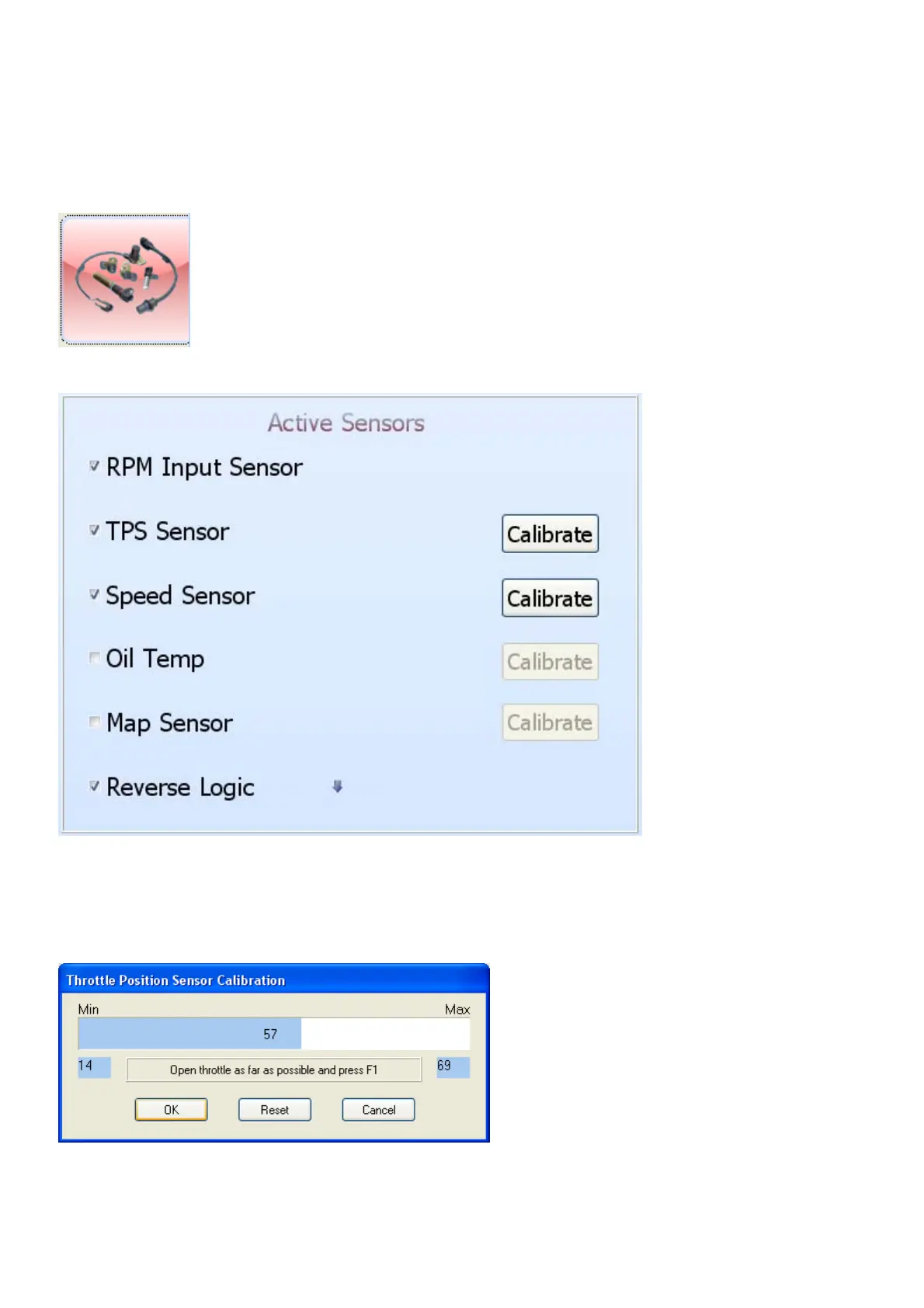
RPM Input Sensor – This sensor cannot be disabled as it is required by the current firmware.
TPS Input Sensor – This throttle position sensor tells the TCU what the driver is thinking. It is very
important that this sensor operate, and is calibrated, correctly. It cannot be disabled as it is
required by the current firmware.
To calibrate the TPS, make sure that the TCU is in Profile1. Calibrating it here will use the
calibration in all the other profiles. Click on the Calibrate button. Click the Reset button. Press the
fuel pedal in completely and press F1. Release the pedal completely and press F1 again. Click the



 To Next Page