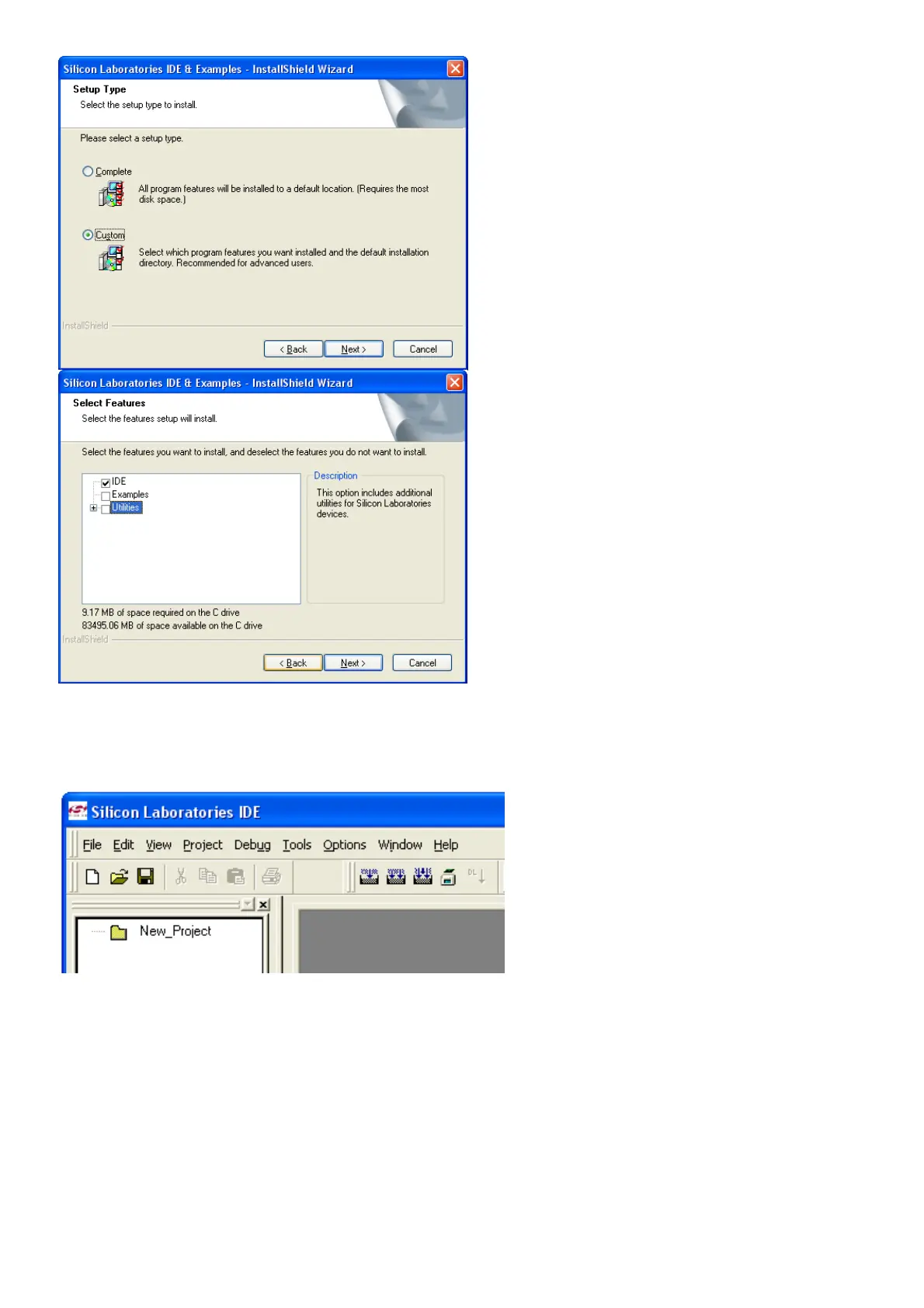
You will not need these and they will only take up unnecessary disk space. No harm if you install
the complete programmer. Connect the USB programmer to the PC only and start the program at
the start button, activate Silicone Laboratories and click on Silicone Laboratories IDE.
Now click on Options, Connect Options and select USB Debug Adapter and also C2 interface.
Click OK and you are all set to use the Programmer.



 To Next Page