-15-
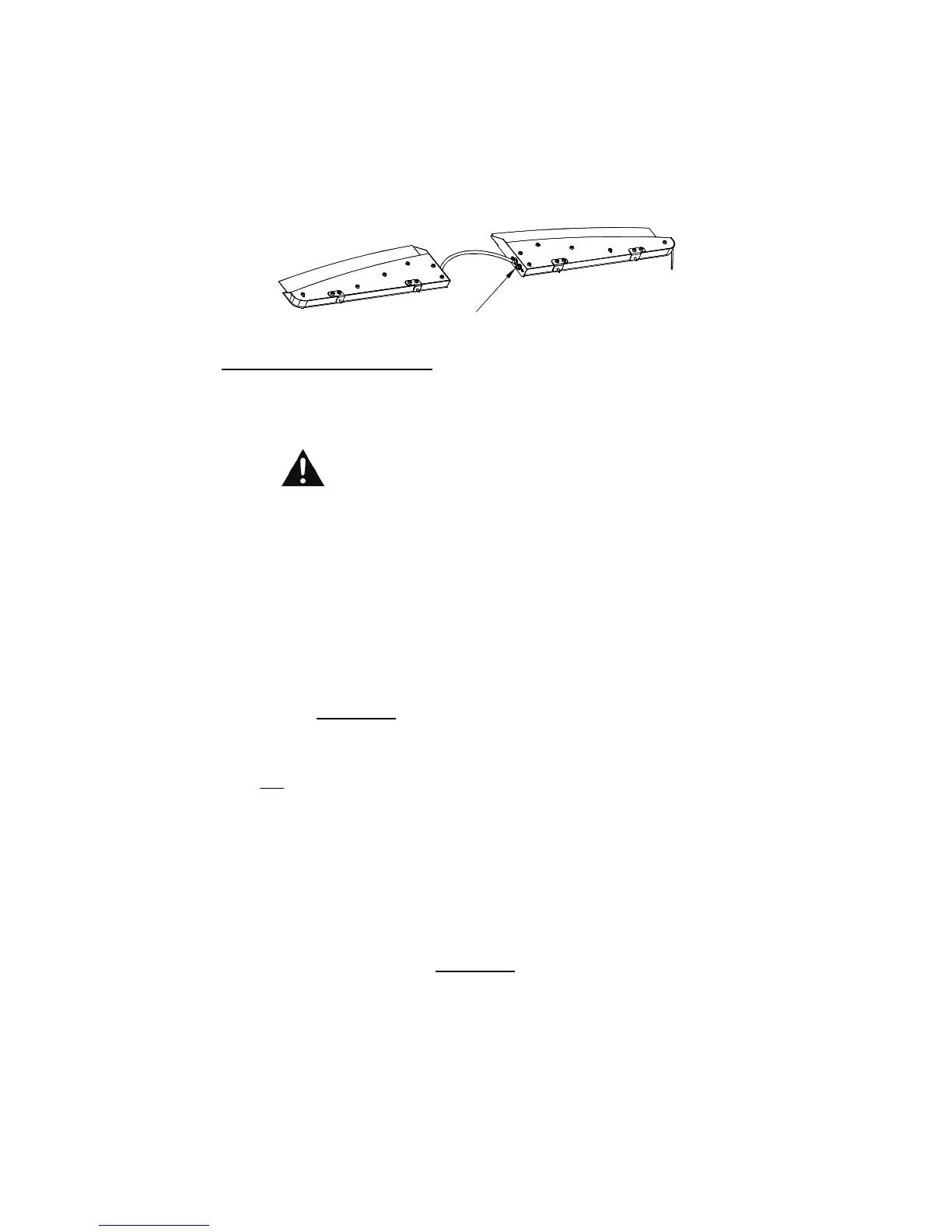
Pattern Select/Burst Mode Button
The button on the right half of the light is the Pattern Select/Burst Mode button. This is
a momentary switch and has four different functions, depending upon which mode the
light is in (i.e. which wire is activated).
Operation (CONT'D)
Please note that this button will only function properly if ONLY
the single wire indicated has +12VDC applied to it. If multiple
functions are activated, the Indicator LED will flash four (4) quick
times, indicating an error.
Warning LEDs in Flashing Mode (Only Orange w/Red wire activated):
If the
Star Phantom
®
is in Flashing Mode, the Pattern Select/Burst Mode button
will act as the Pattern Select button. Each time this switch-button is depressed,
The Star Phantom
®
will cycle to the next pattern.
The Star Phantom
®
is
designed with thirty-five different patterns (see next page).
Warning LEDs in Steady Burn (Takedown) Mode (
Only Green w/Red wire activated
):
If the
Star Phantom
®
is in the Steady Burn Mode, the Pattern Select/Burst Mode
will “burst” your LEDs into a super-bright, high-power mode (takedowns). This
mode will activate for approximately 30 seconds then revert to the standard steady
burn mode. Please Note: Immediately after the 30 second “Burst Mode” has
ended, the light will be “locked out” of Burst Mode for 30 seconds.
DLP LEDs activated in Pursuit (flashing) Mode:
If only the Red and White w/Brown wires have +12VDC applied to them, the DLP
lights will be in Pursuit Mode (alternating back and forth). The Pattern Select/Burst
Mode button will allow you to select which speed you would like these lights to
alternate at 1.6FPS or 2.4FPS. Each time this switch-button is depressed and
released, the DLP lights will change speed. Note: The indicator LED will
momentarily go off while the button is pressed in.
DLP LEDs in Steady Burn (Takedown) Mode (
Only Green w/Yellow wire activated
):
If the
Star Phantom
®
DLP LEDs are in the Steady Burn Mode, the Pattern
Select/Burst Mode button will “burst” them into a super-bright, high-power mode
(takedowns). This mode will activate for approximately 30 seconds then revert to
the standard steady burn mode. Please Note: Immediately after the 30 second
“Burst Mode” has ended, the light will be “locked out” of Burst Mode for 30 seconds.
Pattern Select / Burst Mode


 To Next Page
 Loading...