-14-
Operating Instructions
All wires connected to the positive terminal of the battery should be fused at the
battery for their rated load. Testing the light before this fuse is properly
installed will void the warranty on the light.
Main control of this light is done though four of the wires in the harness. They
should be connected to +12VDC through 4 switches (user supplied) as described
in the Wiring section.
Applying power to the appropriate wire elicits the functions described below.
LED Flashing Mode (Orange w/Red)
The Warning LEDs will flash according to the pattern you have selected (See
Pattern Select/Burst Mode Button section on next page).
All LED Steady Burn Mode (Green w/Red)
The Warning LEDs will not flash, but instead will remain lit, similar to Takedown
lights.
DLP Pursuit Mode (White w/Brown)
The LED DLP lights will flash, alternating back and forth at the speed you had
selected when this function was last deactivated (See Pattern Selection
section on next page).
DLP Takedown Mode (Green w/Yellow)
The LED DLP lights will not flash, but instead will remain lit.
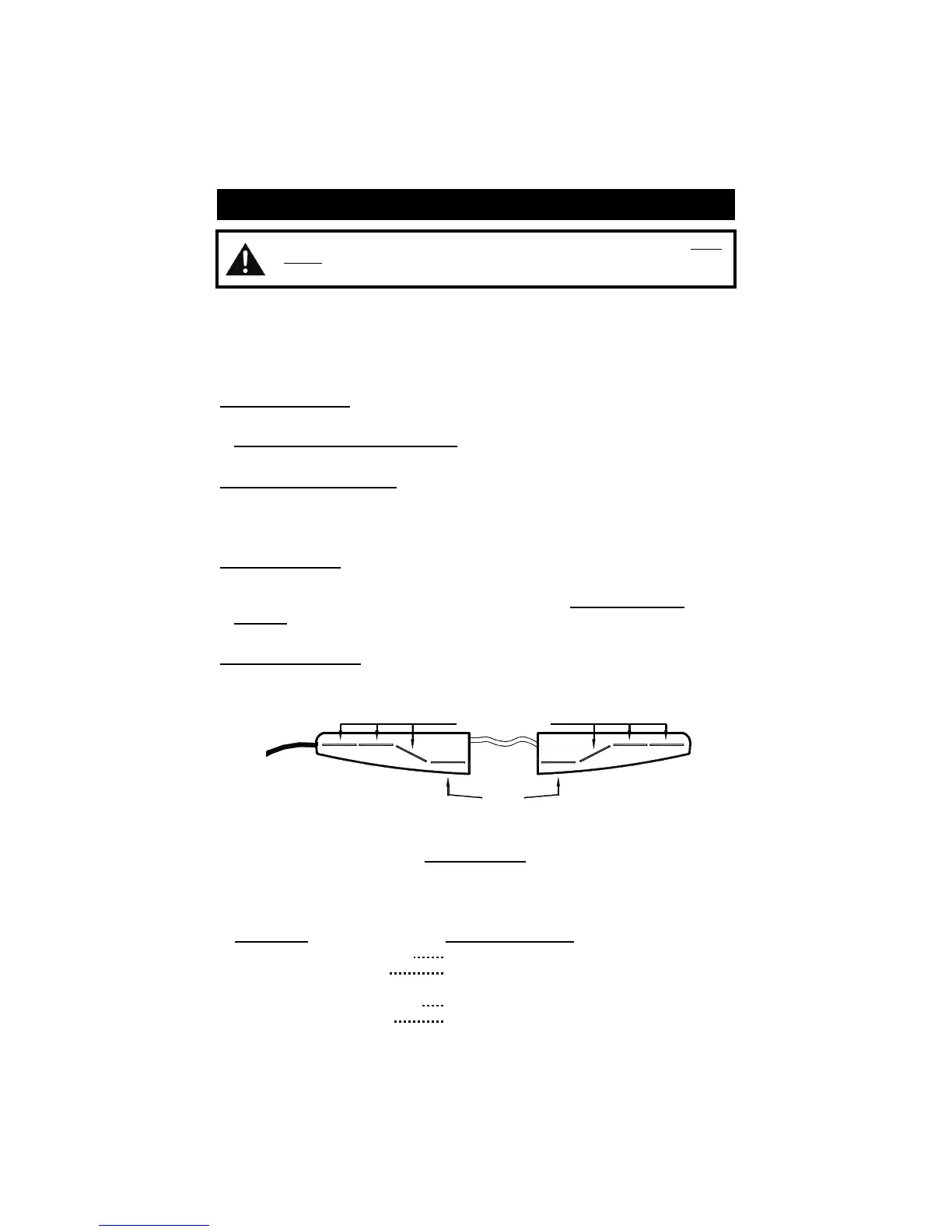
Located on the bottom of
The Star Phantom
®
, is an Indicator LED. When your light
is activated in any mode, this LED will flash to alert you to the lightbar activity in the
daylight.
Active Mode Indicator LED Display
Warning LED Flashing Mode Fast Flash
DLP LED Flashing Mode Slow Flash
(overrides Fast Flash)
Warning LED Steady Burn or
DLP Takedown (Steady Burn) Steady
(overrides Fast or Slow Flash)
Warning LED Burst Mode Flicker
(overrides Steady, Fast or Slow Flash)
Indicator LED
Warning Lights
DLP
Lights


 To Next Page