EasyManua.ls Logo

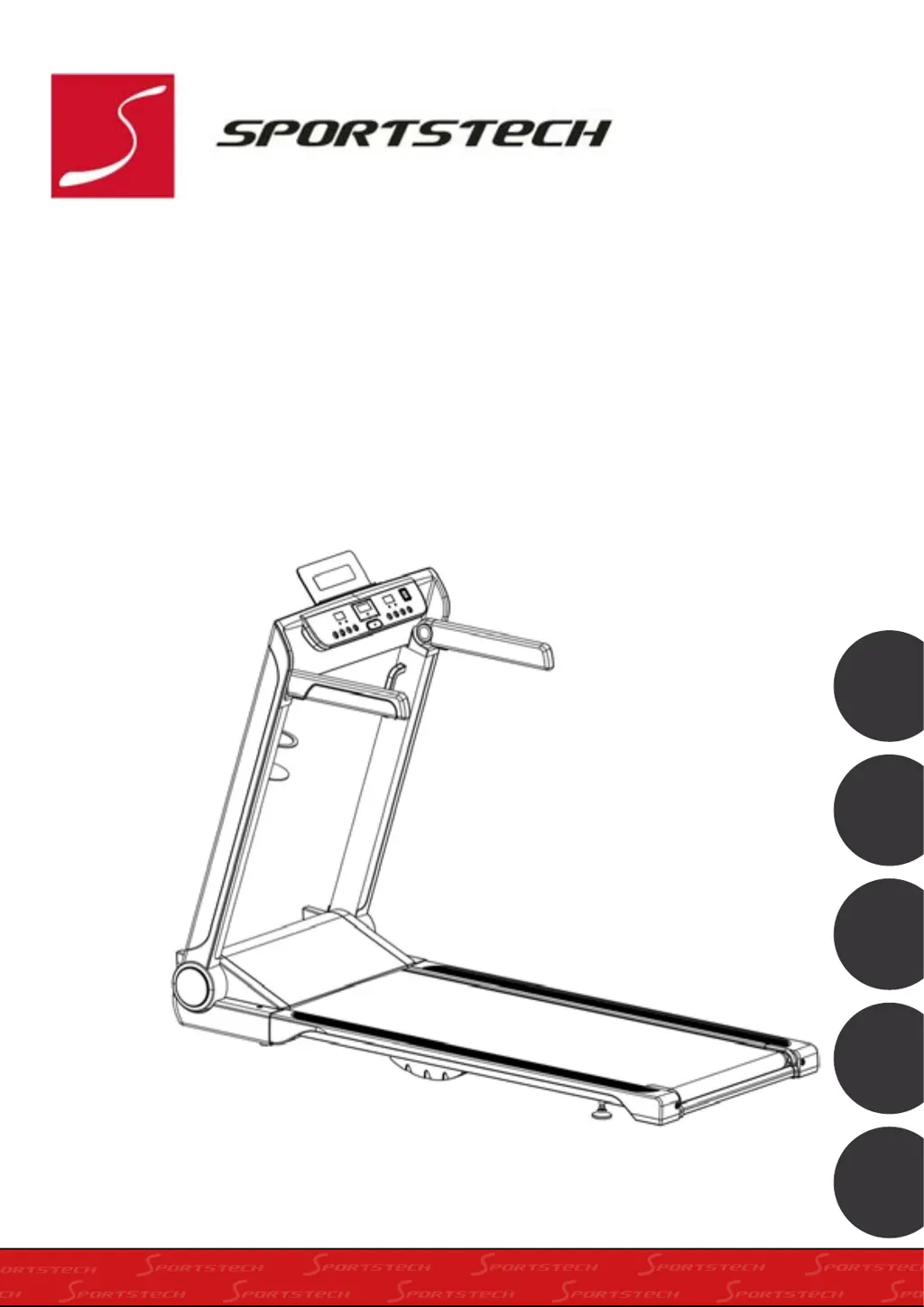
SPORTSTECH FX300 - User Manual

SPORTSTECH FX300
138 pages
Go to English
Print Icon
To Next Page IconTo Next Page
Loading...
FX300
DE
EN
ES
FR
IT

Table of Contents

Questions and Answers

  • S
    sarahjacksonAug 13, 2025
    How to center the running belt on my SPORTSTECH Treadmill?
    • L
      Lauren RamosAug 14, 2025
      If the running belt on your SPORTSTECH Treadmill is not centered, it's likely due to incorrect running belt tension on either the left or right sides of the running board. To fix this, tighten the adjustment bolts on the left and right side of the rear roller.
  • R
    Raymond ScottAug 17, 2025
    What to do if the computer on my SPORTSTECH Treadmill is not working?
    • B
      Brittany GallegosAug 17, 2025
      If the computer on your SPORTSTECH Treadmill isn't working, it could be due to a couple of reasons. First, check the wire connections from the computer to the control board to ensure they are properly connected. If the connections are good, the transformer may be damaged, in which case you should contact customer service.
  • J
    Jaime GarciaAug 21, 2025
    What does error code E05 mean on my SPORTSTECH Treadmill and how can I fix it?
    • S
      Sarah KellerAug 21, 2025
      If you see an E05 error on your SPORTSTECH Treadmill, it indicates a current overload. Here's what you should do: 1. Restart the treadmill. 2. Check the incoming voltage to ensure it is correct. 3. Inspect the control board and replace it if damaged. Also, inspect the moving parts of the treadmill to ensure they are operating correctly. Check the motor for strange noises or burning smells, and replace the motor if necessary.
  • C
    Christian ParkAug 25, 2025
    What does error E01 or E13 mean on my SPORTSTECH FX300?
    • C
      Christopher BenjaminAug 26, 2025
      If your SPORTSTECH Treadmill displays error code E01 or E13, this indicates a message failure. Check the wire connections from the computer to the bottom control board. If any wires are punctured or damaged, replace them. If the problem persists, you may need to replace the control board.
  • F
    Frederick AllenAug 28, 2025
    What does E06 error mean on SPORTSTECH FX300?
    • A
      anthony05Aug 29, 2025
      If you are getting an E06 error on your SPORTSTECH Treadmill, it means there is a motor abnormality. Check the motor wires to ensure they are connected. If any wires are punctured or damaged, replace them. If the problem continues, you may need to replace the motor.
  • Z
    zhangjohnSep 1, 2025
    What does error code E08 mean on my SPORTSTECH Treadmill?
    • T
      Tyrone RiveraSep 1, 2025
      If you see an E08 error on your SPORTSTECH Treadmill, it indicates a control board abnormality. Check the upper and middle wires to ensure the control board is connected. If any wires are punctured or damaged, replace them. If the problem persists, you might need to replace the control board.
  • J
    Joseph WilsonSep 5, 2025
    What does error code E10 mean on a SPORTSTECH FX300 Treadmill?
    • M
      Michael WoodardSep 5, 2025
      If your SPORTSTECH Treadmill is showing an E10 error, it indicates a motor abnormality. Inspect all moving parts of the treadmill to ensure they are operating correctly. If necessary, replace the motor.
  • P
    Peter CarterSep 8, 2025
    Why does my SPORTSTECH FX300 Treadmill show error E02?
    • J
      Joseph KelleySep 8, 2025
      If your SPORTSTECH Treadmill displays the error code E02, it means there's a burst clash protection issue. This is because the incoming voltage is lower than 50% of the required voltage. You should check that the incoming power supply is the correct voltage.

Summary

Safety Instructions

Special Safety Instructions

Power Source

Details on safe connection and usage of the power source for the treadmill.

Description of Assembly

Configuration List

Explosion Diagram

Parts List

Assembly Steps

Maintenance and Care

Centering the Running Belt

Instructions on how to adjust the treadmill belt to keep it centered.

Running Belt Lubrication

Guidance on lubricating the running belt and deck for optimal treadmill performance.

Folding Instructions

Storage Options

Vertical Storage

Instructions for storing the treadmill in an upright position.

Horizontal Storage

Instructions for storing the treadmill in a flat position.

Moving the Treadmill

Important Electrical Information

Electrical Safety Precautions

Essential safety guidelines and warnings regarding electrical usage and grounding.

Functions

Safety Lock Function

Explanation of how the safety key operates to stop the treadmill.

Power Save Function

Description of the automatic power saving mode after inactivity.

Power On;Off Controls

Instructions for turning the treadmill on and off.

Exercise Instructions

Safety Notes and Getting Started

Important safety advice and initial steps for using the treadmill.

Heart Rate Measurements

Console Functions

Quick Start Guide

Instructions for quickly starting and operating the treadmill.

Control Functions

Explanation of the buttons and their operations on the console.

Window Display

Details on the information shown in the console's display windows.

Calories and Distance Tracking

Information on how the console displays calories burned and distance traveled.

Function Keys and Programs

Description of console buttons, modes, and preset programs.

USB Connection

Details about using the USB port for charging devices.

Heart Rate Control

Troubleshooting

Important Matters

Pre-Use Advice

Guidance and recommendations before starting exercise sessions.

Target Heart Rate and Pulse Measurement

How to measure pulse and understand target heart rate zones.

Application Software (App)

European Disposal Directive

Battery Disposal

Regulations and guidelines for the disposal of batteries.

Recycling Loop

Information on recycling packaging materials.

EC Declaration of Conformity

SPORTSTECH FX300 Specifications

General IconGeneral
Speed Range1 - 16 km/h
Max User Weight120 kg
DisplayLCD display
FoldableYes
ConnectivityBluetooth
Motor Power2 HP
Incline15%
Programs12
Running Surface120 x 40 cm

Related product manuals