THE SPOT CONNECT DEVICE
POWER
To turn SPOT CONNECT on simply press and hold the ON/OFF button until the button
blinks green. SPOT CONNECT performs a self-diagnostic test. When power is ON,
the button will blink green every 3 seconds. This is helpful for making SPOT CONNECT
more visible in the dark. To turn SPOT CONNECT off, press and hold the ON/OFF button
until the light stops blinking.
SOS
To manually activate the SOS mode, press and hold the button on the side of
the device for 5 seconds. Upon activation, the device will flash the SOS light
indicator until it is cancelled manually, or the device battery runs out.
LIGHT INDICATORS
SPOT CONNECT uses lights to tell you what it’s doing.
Take a moment to become familiar with these lights.
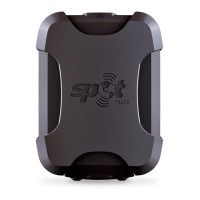
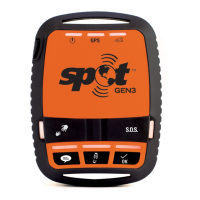
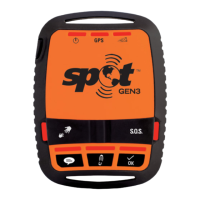
IMAGE OF SPOT
CONNECT DEVICE
8 9



 To Next Page