Get Ready
visit sprint.com/airave for complete user guide 7
Get Your Device Ready
2. Minimum Internet Broadband Bandwidth: Test your IP Connection
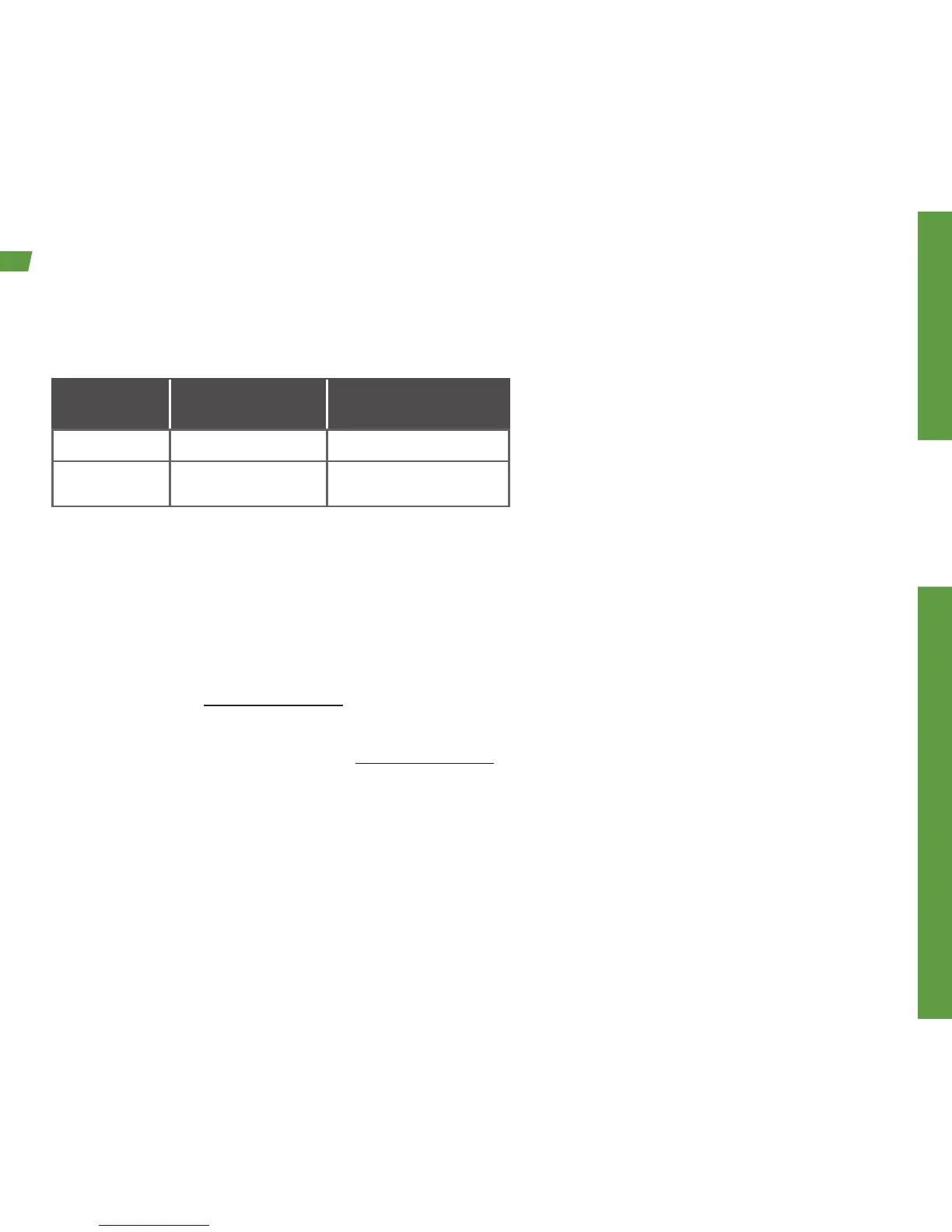
The following table shows recommended bandwidth by usage type:
Usage Type Recommended
Download Speed
Recommended
Upload Speed
Wireless Call 800 Kbps 800 Kbps
Wireless Data Up to 3 Mbps Up to 1.8 Mbps
Note: The bandwidth of your internet connection will affect the performance of the AIRAVE. You can test your internet
connection speeds using online tools.
3. AIRAVE Special Configurations:
a. Log in required for ISP – Some internet providers require a log in for their users. You may be
required to enter a login in ID and password to set up your AIRAVE. This is especially common
for DSL customers. The online user guide provides steps for this process. Please refer to the
user guide at sprint.com/airave.
b. Set up a static IP – A dynamic IP is the default for the AIRAVE. If you need to use a static IP,
Please refer to the user guide at sprint.com/airave for instructions.
c. AIRAVE access to Internet through a firewall – Some small office or school environments have a
firewall to protect their internet users from hazards. There are specific firewall ports that must be
open for the AIRAVE to connect properly to the Sprint Network. Contact AIRAVE Technical
Support at 866-556-7310 to request the firewall port information.


 To Next Page