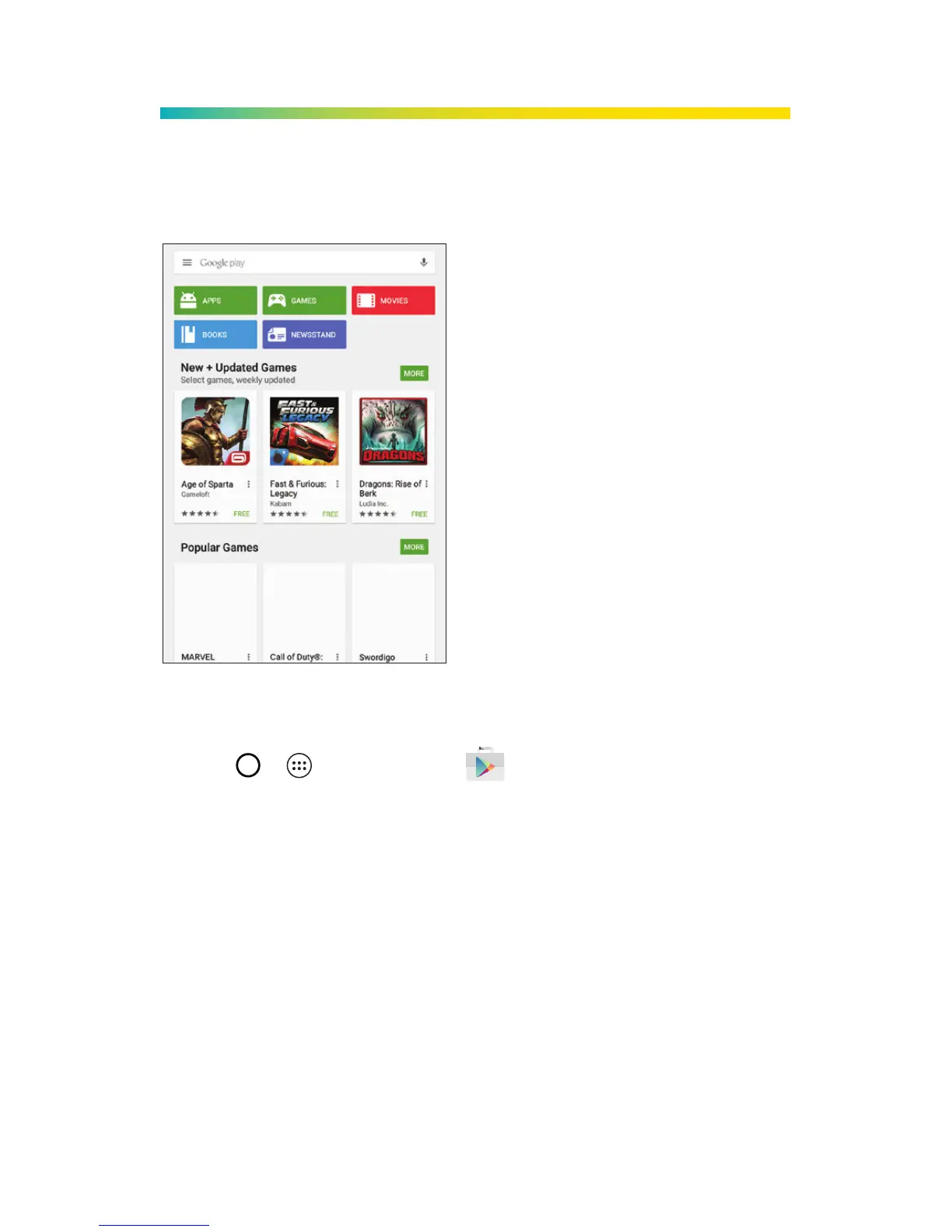
Google Play
Google Play is the place to go to ind new apps,
games, movies, and more.
Use Google Play for Downloads
1. Tap > > Play Store .
2. The irst time you visit the Google Play Store app,
tap Accept to accept the Terms of Service.
3. Browse through featured apps and games, or
tap the Google Play search bar to start a search.
4. Tap an item to read a description and reviews.
5. Tap INSTALL (for free apps) or the price (for paid
applications) and follow the onscreen prompts.
Note: You must have a Google Account set up on
your tablet to purchase and download apps from
the Google Play store.



 To Next Page