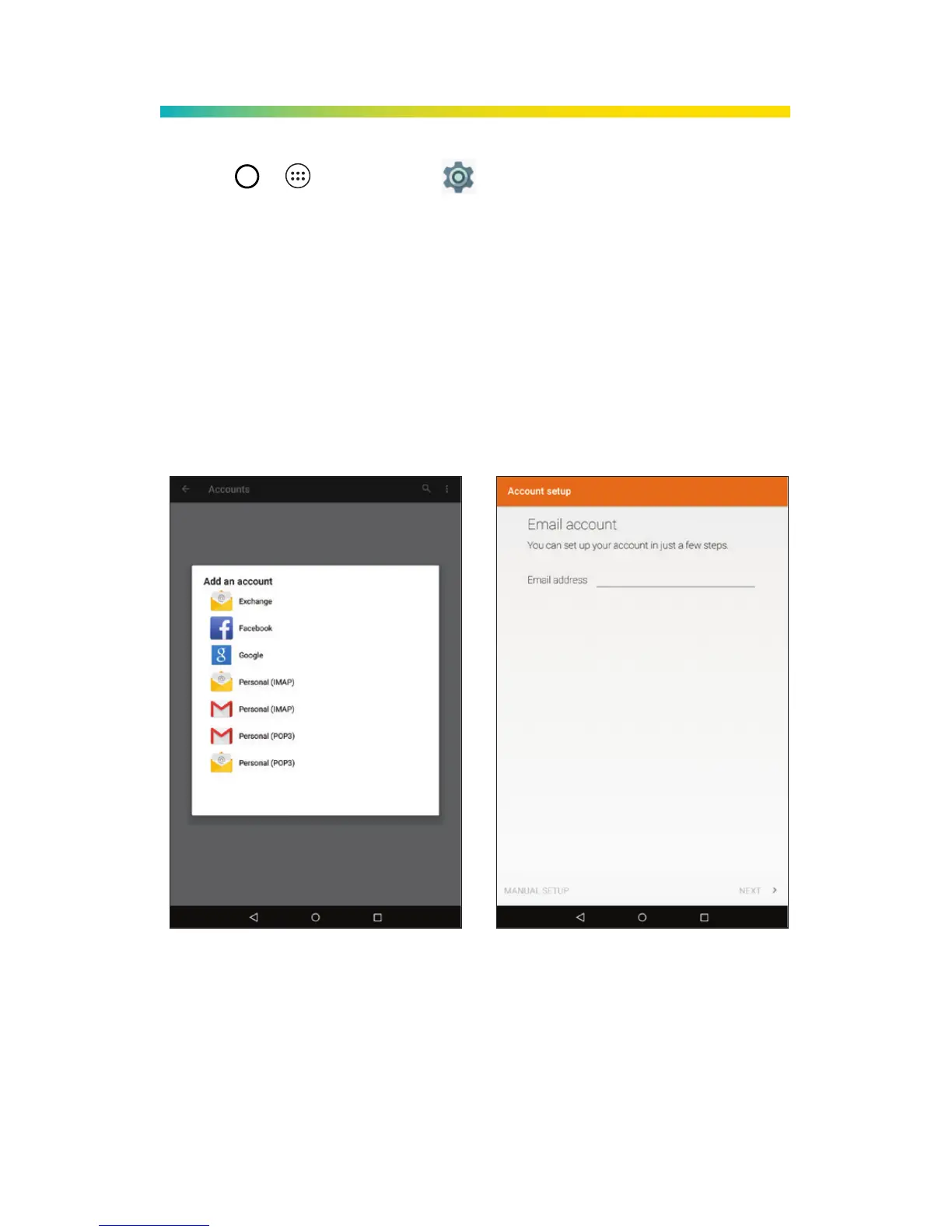
1. Tap > > Settings > Accounts.
2. Tap Add account and then select an account type.
3. Follow the prompts to enter your
account information.
Important: Before setting up a Microsoft®
Exchange ActiveSync® account, contact your
company’s Exchange Server administrator for
required sign-in information.
Note: The Accounts screen will show any accounts that
have already been set up, including Google Accounts
that may have been conigured during setup.
Email Setup



 To Next Page