Set Up Your Device
Complete the Setup Screens
The device’s setup screens will guide you through
the setup process. Follow the prompts to:
• Set up a Wi-Fi® connection.
• Sign in to (or set up) a Google® Account.
• Transfer or restore content.
• Protect your phone by setting a screen lock.
• Personalize your device.
When setup is inished, you’ll see your device’s
home screen.
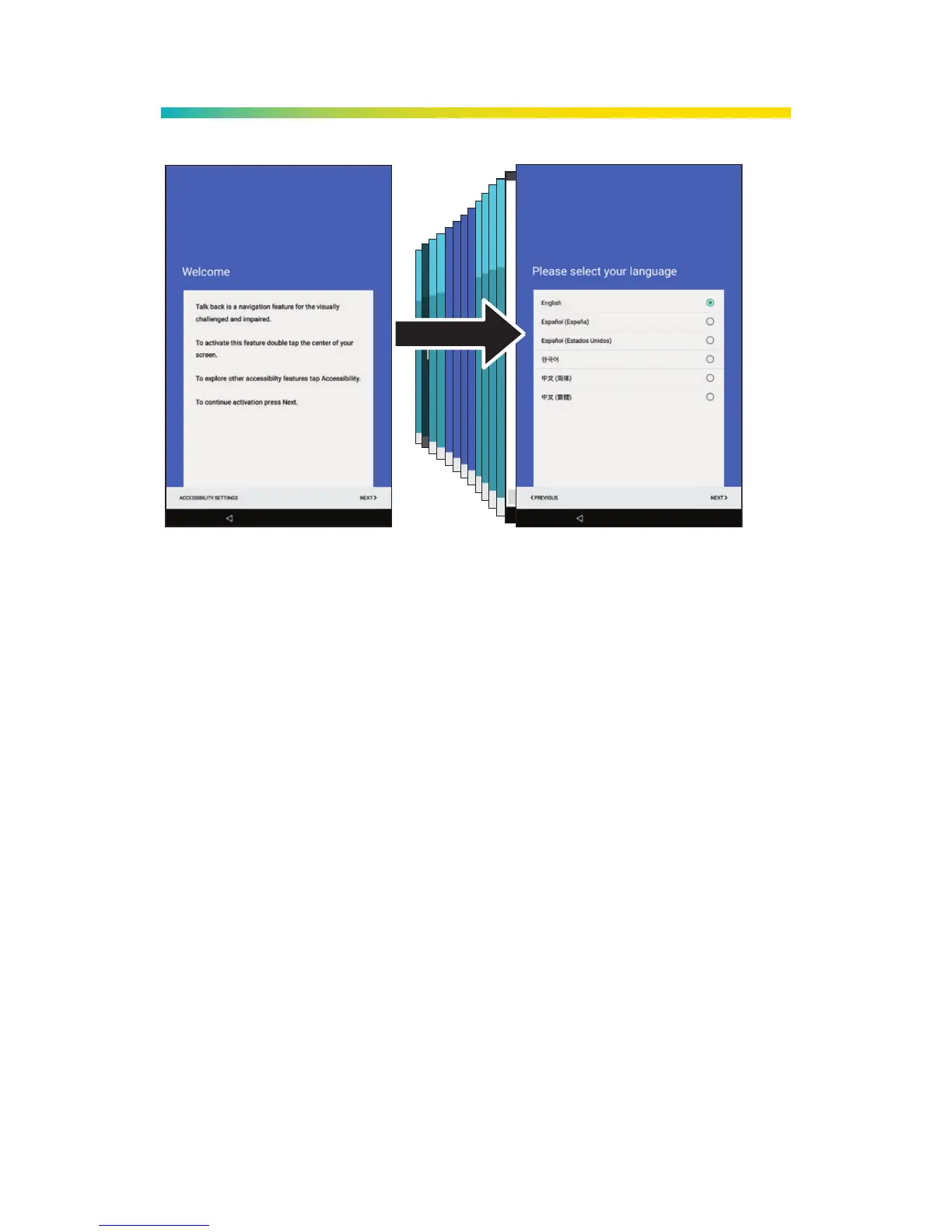
Press and hold the
Power/Lock Button and
then review the TalkBack
navigation screen, or
tap NEXT to bypass.
Select a language,
tap NEXT, and then
follow the prompts
to complete the
setup screens.



 To Next Page