3
Touch Screen Basics
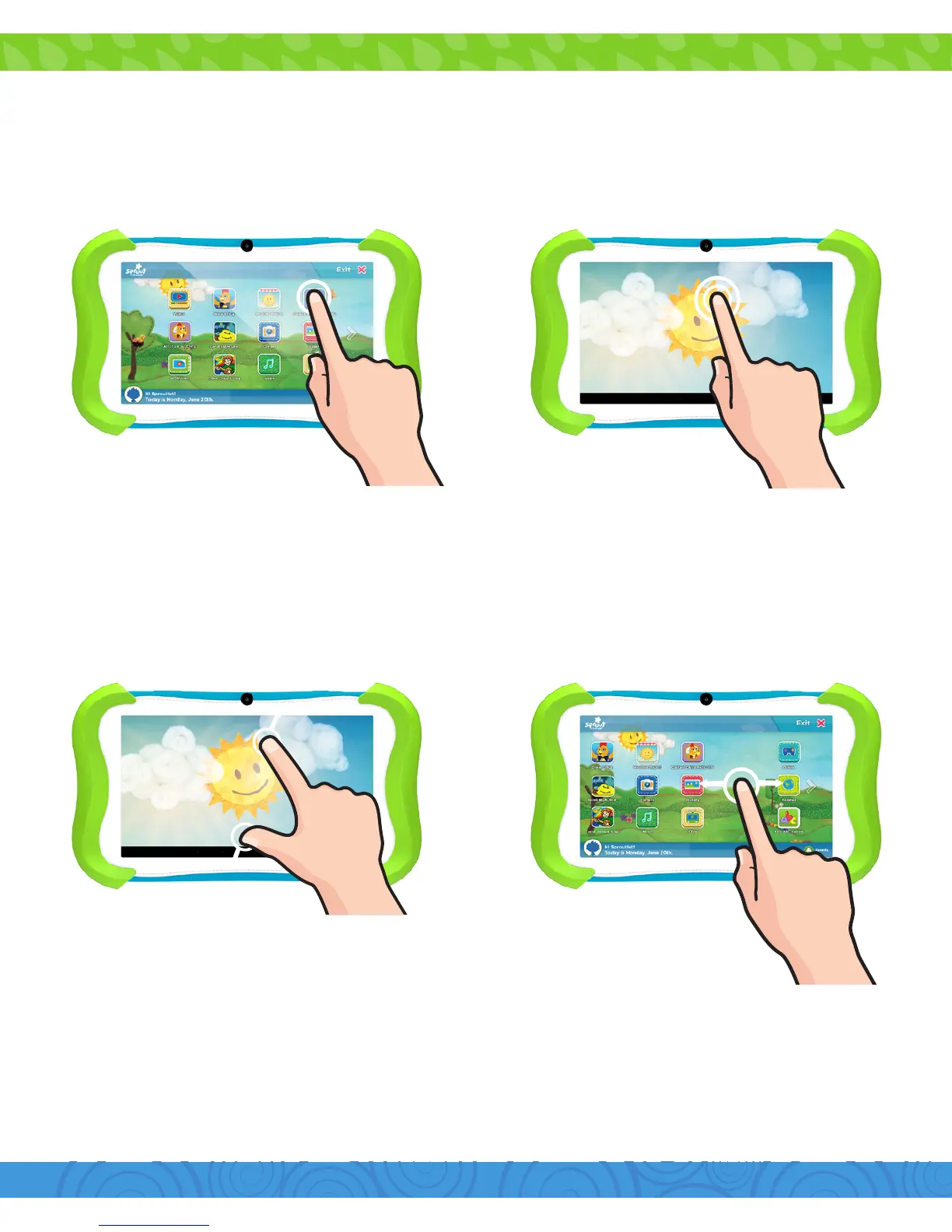
Ta p
Pinch Swipe
Double Tap
Tap an item once to open or activate it.
Zoom in or out by touching the screen with
two fingers then pinching them together or
spreading them apart.
To move horizontally across the screen,
simply swipe your fingers left and right.
Quickly tap twice to zoom in or out on
photos or webpages.


 To Next Page