4
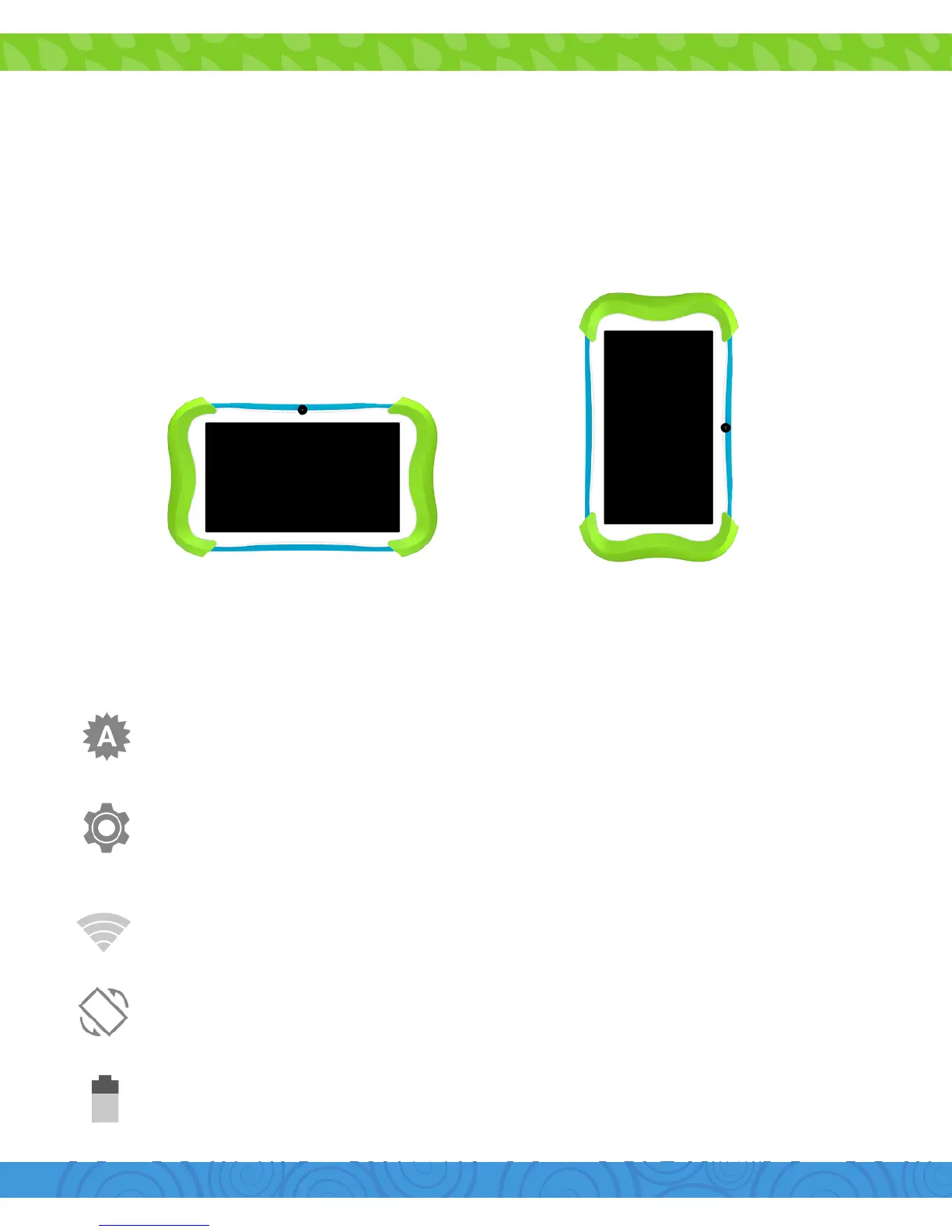
Orientation
The G-Sensor allows the tablet to automatically rotate the
screen to the appropriate orientation for easy viewing. You can
view the home screen and app in either a landscape or portrait
format. Some functions in Cubby Mode will only display in the
landscape format.
Landscape Portrait
Icon Glossary
Brightness: Adjust the screen brightness of your tablet.
Settings: Adjust your settings for Wi-Fi, screen brightness,
security settings, language options, and more.
Wi-Fi Signal: Tap to manage Wi-Fi networks.
Auto Rotate: Enable or disable screen auto-rotation.
Battery Level: Tap for battery use information.


 To Next Page