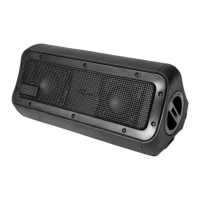
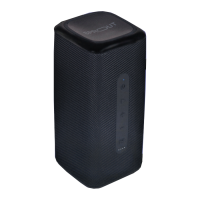
CHARGING YOUR IMMERSE
1. Connect the speaker via the DC 15V/4.3A
charging input to a power source using the
included Australian standard power supply
2. The LED batery indicator will flash from one
to four LEDs to indicate Immerse is charging.
A full charge will take about 2-3 hours
CONNECTING VIA 3.5MM AUX CABLE
To play audio using the aux cable, connect the
cable from the Immerse to your device.
Please note: Using 3.5mm aux input will
override a Bluetooth source input.
CONNECTING VIA BLUETOOTH
1. Press the power buton for approximately three
seconds. The LED indicator will display as solid
blue to indicate power is on
2. Press the Bluetooth buton once. The LED Indicator
will flash red and blue to indicate Immerse is ready
for pairing*
3. Turn on Bluetooth on your mobile phone/music
device**
4. ‘Immerse’ will appear on your mobile phone/music
device. Select ‘Immerse’ to pair
5. Once your mobile phone/music device is
paired with Immerse, you will hear ‘Bluetooth
connected’***
3. QUICK START GUIDE 3. QUICK START GUIDE
6. Enjoy your music
*If the LED is not flashing red and blue, press the Bluetooth
buton one more time.
**If you are not familiar with Bluetooth pairing for your
mobile phone or music device, refer to the user guide for your
mobile phone/music device for instructions to pair a new
device using Bluetooth.
***Immerse will always store the last device paired and if the
device is within Bluetooth range, Immerse will automatically
connect to the device.
54


 To Next Page