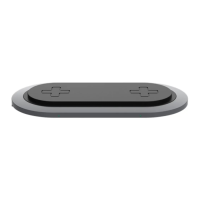
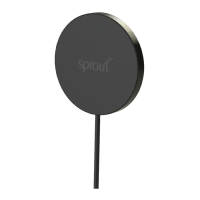
The Sprout Qi2 Magnetic 3-in-1 Wireless Charger should
be used with the 30W power adaptor supplied in the box.
Using an alernative power adaptor may not provide the
suficient power for this product to function as intended.
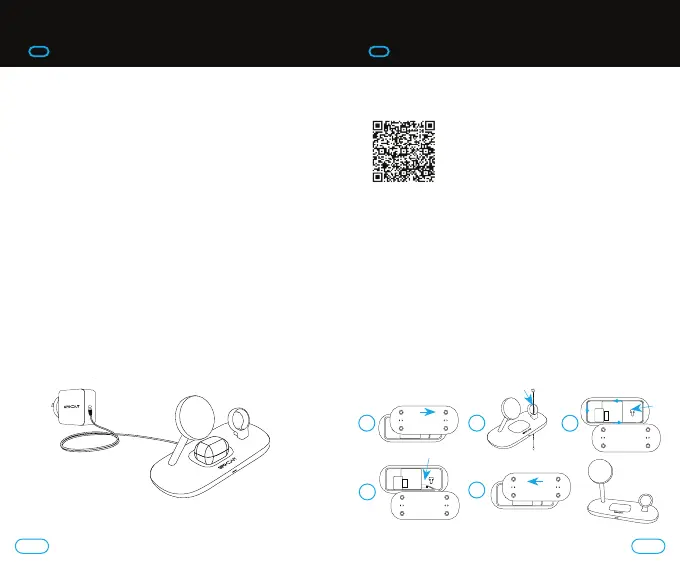
To use your wireless charger:
1. Connect the 30W power adaptor to the wireless charger
by using the USB-C to USB-C cable provided.
2. Plug the 30W power adaptor into a power point.
3. Align your Qi2 device to the centre of the wireless
charging pad. The magnetic alignment that comes
with Qi2 device and cases (including MagSafe) will
automatically draw the device to the most optimal
position and hold the device in place.
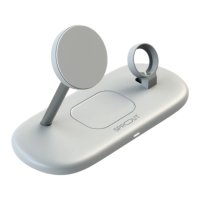
4. The Qi charging pad on the base of the stand also
provides 5W wireless charging for your wireless
headphones (including compatible Apple AirPods,
Galaxy Buds, Sprout AudioPlus). The LED Indicator light
will display a solid blue when your headphone case
is charging, and will flash blue when it is not seated
correctly, or detects a foreign object.
Line drawing demonstrating location of headphone Qi charger.
Please note headphones are not included.
For more information on watch charger and bracket
installation, visit:
To atach an Apple Watch charger to the existing bracket
(watch charger not included):
1. Remove underside plate by sliding across.
2. Feed the cable through the bracket and gap in base.
3. Use the cable management housing to neatly wrap
the cable around the edge. The cable management
is deep enough to allow two layers. Ensure that the
cable is recessed far enough to allow the underside to
be clipped back into place.
4. Plug the USB-C end of the watch charger into the
USB-C input por.
5. Replace the underside bracket.
3. QUICK START GUIDE 3. QUICK START GUIDE
1 2
4
5
3
54


 To Next Page