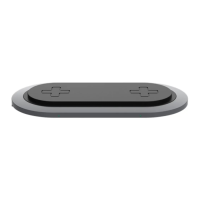
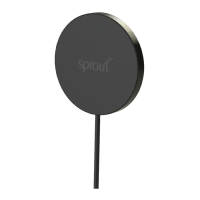
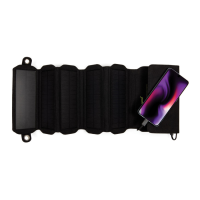
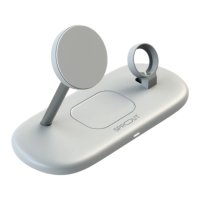
Qi2 Magnetic 3-in-1 Wireless Charger
• USB-C input: 9V⎓3A, 12V⎓2.5A, 15V⎓2A
• Qi2 wireless output: 5W/15W
• Qi wireless output: 5W
• USB-C output: 5V⎓1A
• Dimensions: 145x212x93mm
• Unit weight: 373g
• USB-C to USB-C cable: 1.5m
30W Wall Adapter
• Input: 100-240V⎓50-60Hz, 1A max
• USB-C output: 5V⎓3A 15W, 9V⎓3A 27W,
15V⎓2A 30W
• Dimensions: 40x40x78mm
• Unit weight: 38g
4. SPECIFICATIONS
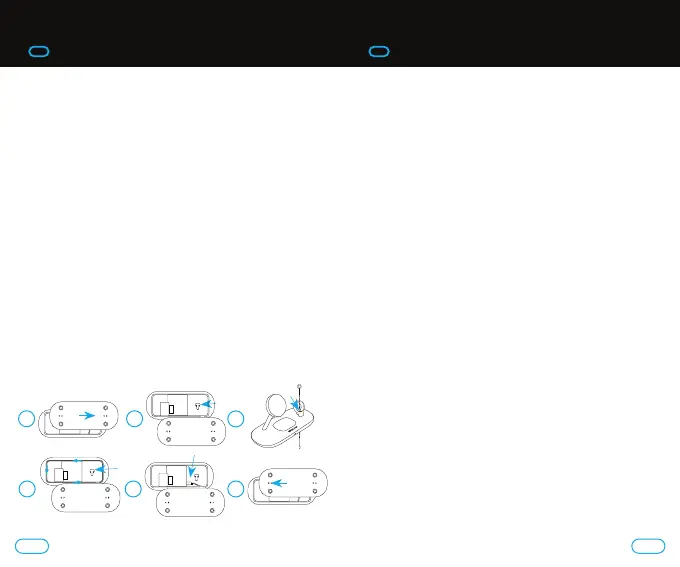
To atach a Samsung Galaxy Watch charger to the supplied
optional bracket (watch charger not included):
1. Remove underside of charging base.
2. Using the Philips head screw driver provided, remove the
two screws holding the existing Apple Watch charger
bracket in place. Remove the Apple Watch charging
bracket, replace with the Samsung Galaxy Watch
charging bracket and replace the two screws.
3. Feed the cable through the bracket and gap in base.
4. Use the cable management housing to neatly wrap
the cable around the edge. The cable management is
deep enough to allow two layers. Ensure that the cable
is recessed far enough to allow the underside to be
clipped back into place.
5. Plug the USB-C end of the watch charger into the
USB-C input por.
6. Replace the underside bracket.
Ensure that the Samsung Watch charger is securely in
the housing. The bracket contains an angle that assists in
holding the watch in place.
3. QUICK START GUIDE
1 2
4 5 6
3
76


 To Next Page