Quick Start Guide
03.
Manual Bluetooth pairing
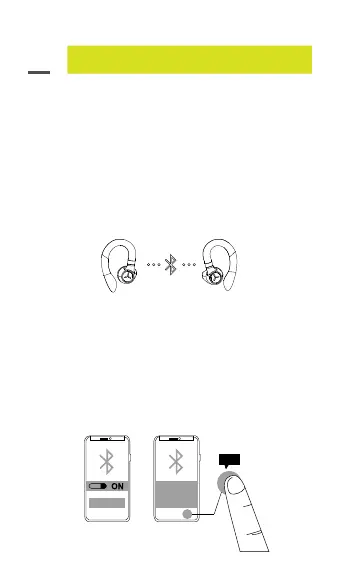
1. True Wireless stereo connection (earbud to earbud)
• LED ashing blue (both sides) –
True Wireless earbuds now in pairing mode.
• LED ashing blue/red (Stride TWS l)
LED turns off (Stride TWS ll) –
True Wireless earbuds now connected to
each other.
2. Bluetooth connection (earbuds to device)
• The earbuds will enter pairing mode when they
are turned on.
• LED ashing blue/red (Stride TWS I) LED turns
off (Stride TWS II) – pairing mode.
• LED turns off (both earbuds) – connected to
a device.
07
Stride TWS I
Bluetooth Pairing Request
“Headset” would like to
pair with your iPhone
Cancel
PPaaiirr
Pair



 To Next Page